
You can use spooks' google drive and iCloud without E2E encryption, if you encrypt your files yourself
Discussion

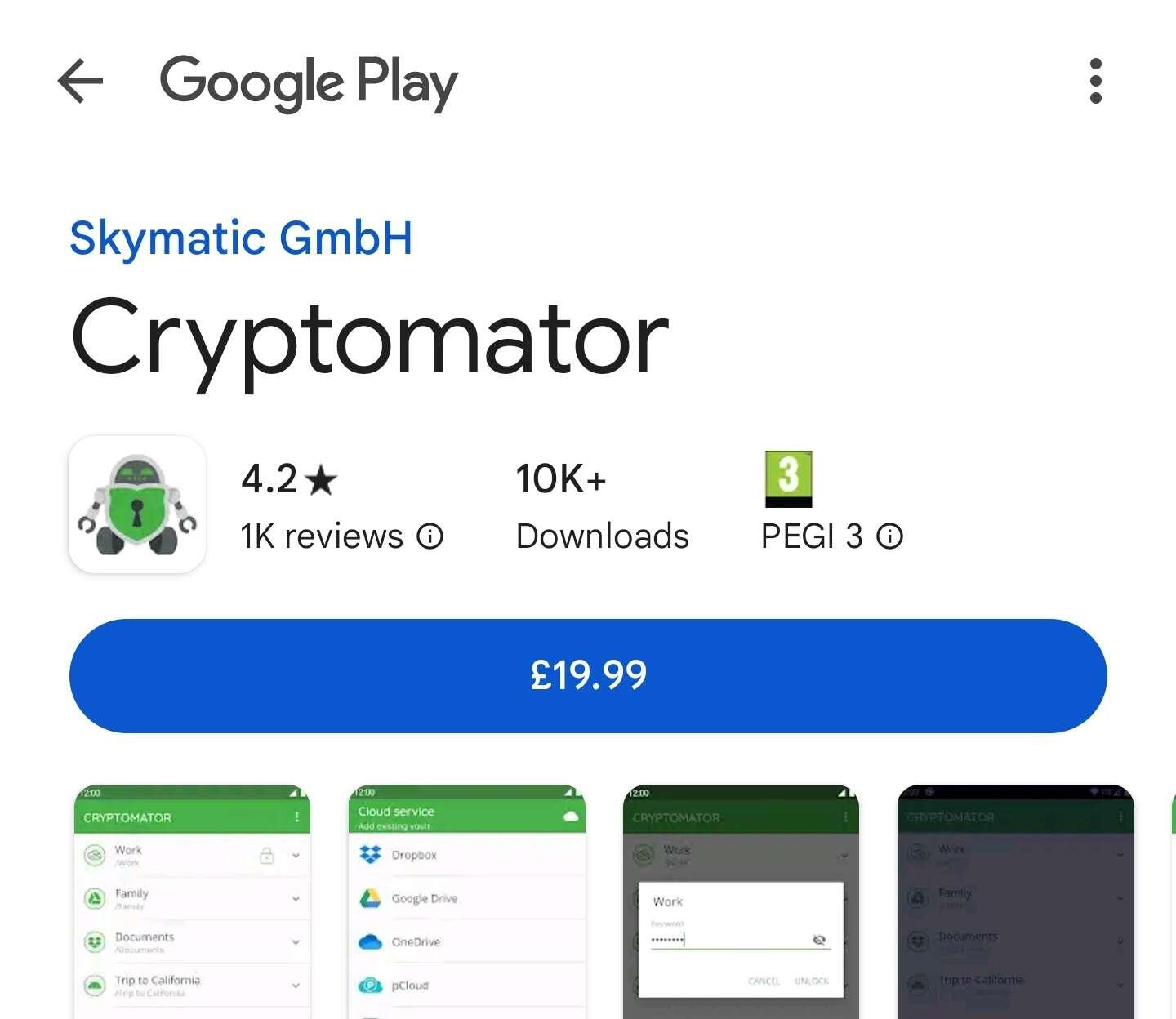
it costs 20$ for Android version.

is best just not to use i-cloud , i dont use it
if you encrypt your data it doesn't matter mater much, it's just storage.
they can cut you off access until you give them the keys to decrypt
right. that's why you should keep the data also on your devices.

Wait, what? Who's cutting off access unless users provide them with the keys to their locally-encrypted files? I've never heard of such a thing. That's beyond intrusive, and a bit a far-fetched if you ask me. Do you have any source links to cloud storage providers making this demand?
was an assumption
Yeah... Of you maintain a local, encrypted file system and sync to cloud providers, it doesn't matter which cloud you use or whether or not they have encryption. It's just an encrypted file system living on cloud storage. And you can easily switch providers if circumstances change, or if a provider has better pricing. You don't even have to care about their encryption.
If you're looking for an Android solution that's free, I highly recommend Round Sync (rsync). Like Cryptomator, it encrypts with AES-256 via the crypt library in the fly when files are copied or moved to defined directories, and syncs to any cloud provider. It's a really great application. And it's FOSS.
thanks
is it free?
free for individuals
is not free
⬇️⬇️ 
uhm buster it is:
It requires a $20 license for Android, and is free for all other platforms. It used to be like $13 but they must have recently increased the price.
Ya that's only Android. It's free on all other platforms.
Cryptomator requires a $13 or $14 license for use with Android, but it's free for other platforms (desktop).
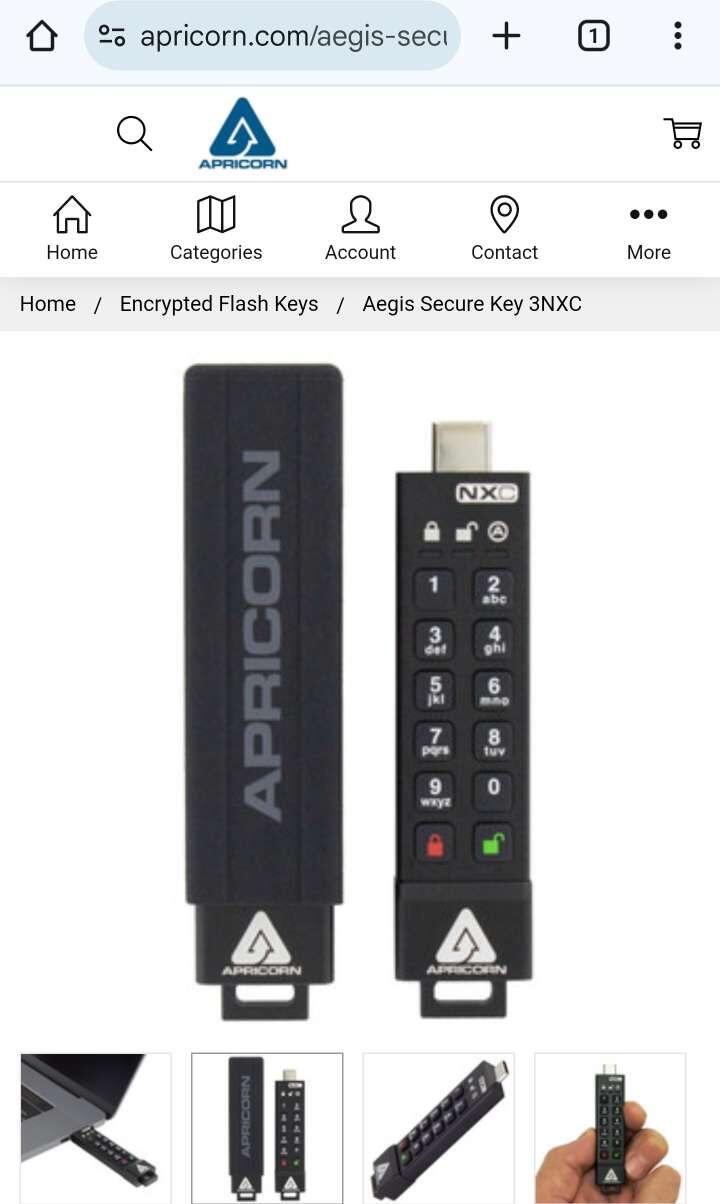
at this point i would prefer this hard drive with encryption
i personally got this
I use rsync (Round Sync on Android). It uses the crypt library (AES-256) to automatically encrypt files on the fly as they're copied into defined directories. On the back end it syncs to virtually any cloud provider. I've been using it for a little over a year now and it's been rock solid, and flawless in its operation
I use Cryptomator vaults on Linux and Android, pushed to Google Drive and OneDrive via rclone. I make updates on Linux and use these cloud providers as backup. If I need to encrypt (for the first time) on Android, I push that to a separate vault and later incorporate it to the proper main vault on Linux (so these are one-way vaults to avoid corruption of the encrypted files).

And you should. Never ever trust closed source encryption. Always assume it is backdoored