

I use Gboard but just deny all permissions (including network connectivity) except sensors. That's the beauty of GrapheneOS. You can deny and sandbox apps to such a granular level. I do the same with Google Photos & Camera. Allow sandboxed Play Services but disable Google Play itself.
Discussion
What’s gboard? The stock google keyboard?
And to deny permissions you go into app info right?
Gboard is the stock Google keyboard that ships with Pixels. You can find it in Aurora store. When installing, GrapheneOS will ask if you want to grant it network connectivity. Just deny. Alternatively, you can long press the app and open settings. Adjust permissions as follows:
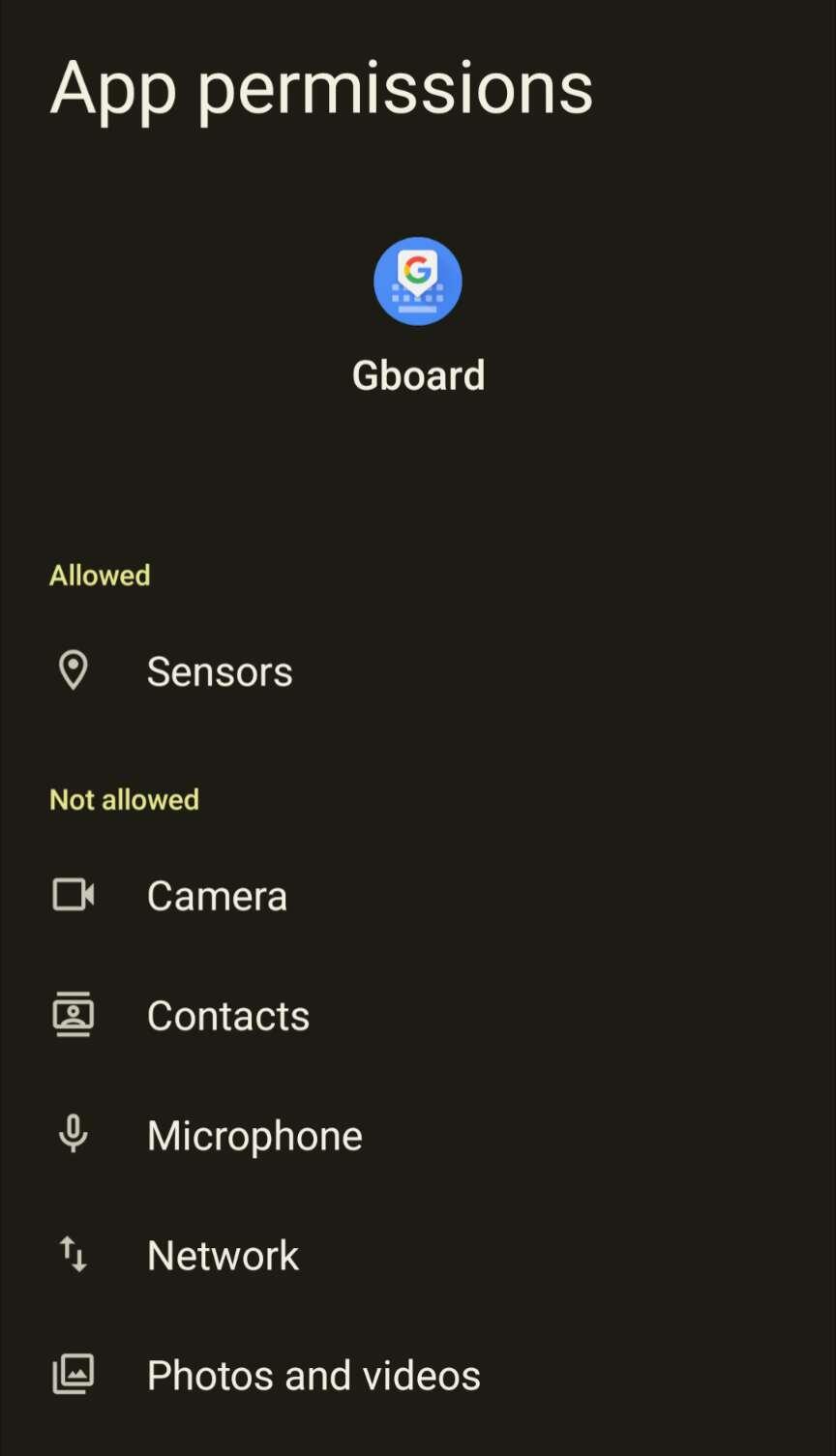
Ah yes thats the menu I was referring to. Thanks