
I did try twice, and compressed the video down to 50mb for the second try. But after that didn’t work I just uploaded it directly and hoped it was because I installed the iOS 18 beta and it was causing the glitch 😅 
Discussion
Shouldn’t have to compress. Thinking you have to authenticate your nostr.build account by logging in with your extension, or by using your DM.
nostr:npub137c5pd8gmhhe0njtsgwjgunc5xjr2vmzvglkgqs5sjeh972gqqxqjak37w

Should have worked, but I am not running iOS beta so cannot confirm. Would be interesting to see if uploading images works and if they end up in your account after the upload 🐶🐾🤔

I’m running Beta 1 and it works
about to install beta 2 and test it n let you know 🫡 
Test 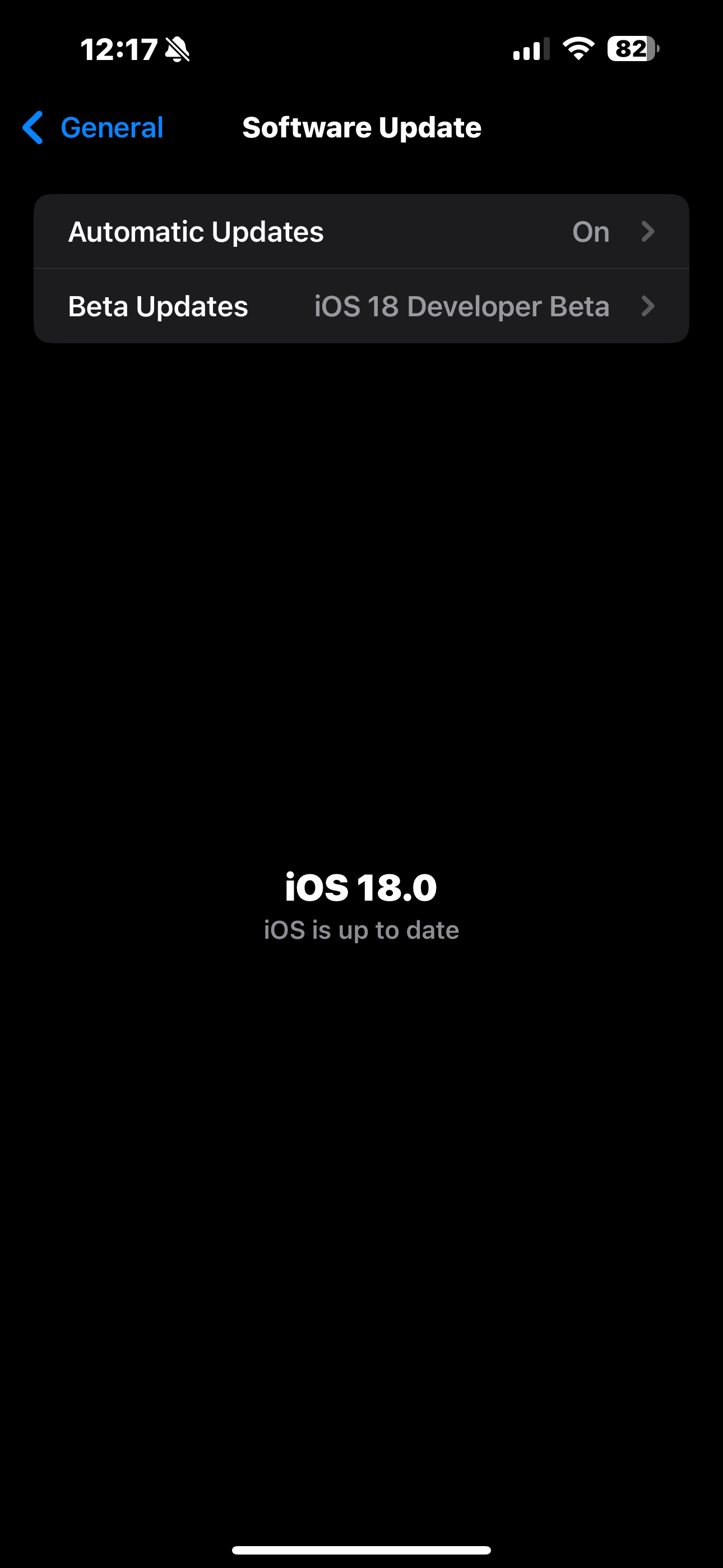
posted on Damus & it shows up on nostr.build account
test completed 🫡
A+ 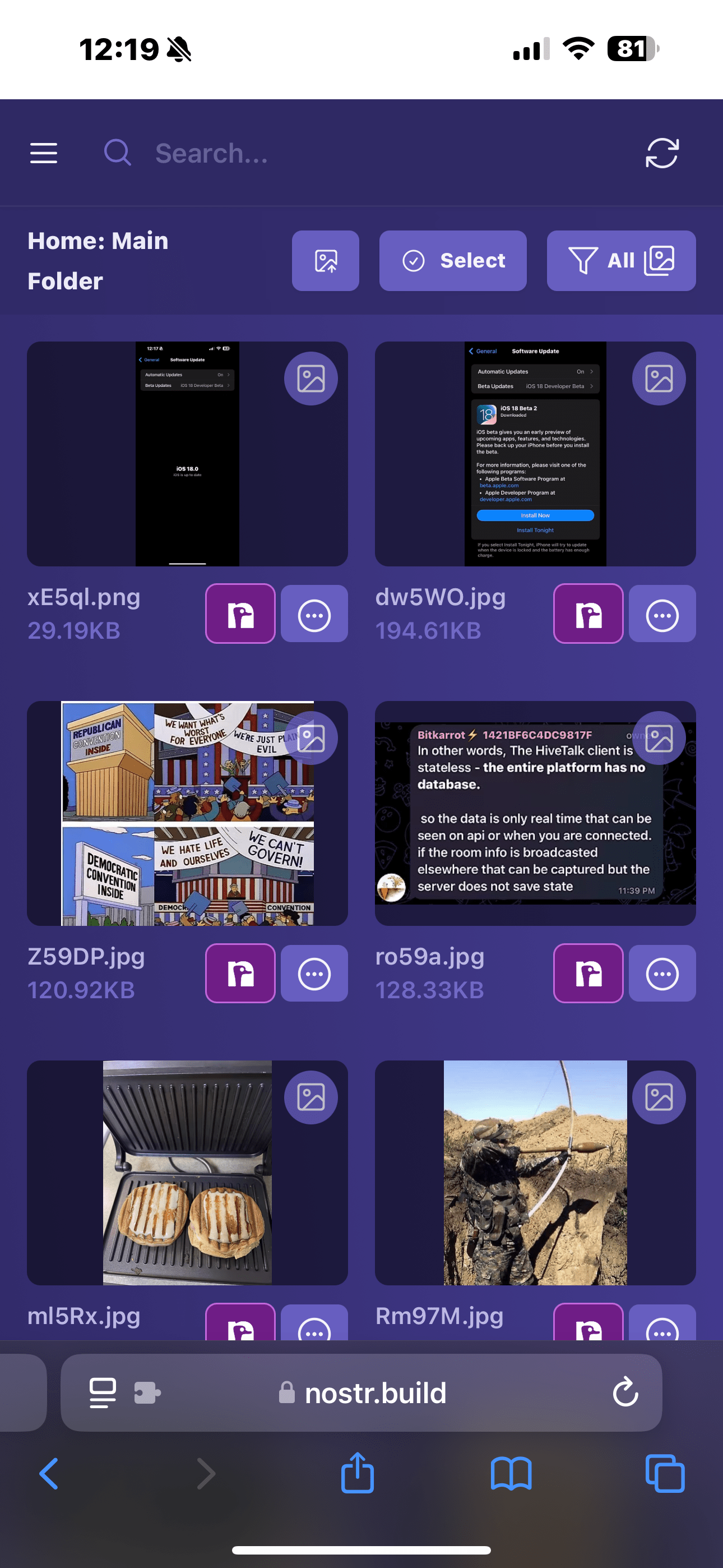
only key difference I’ve noticed is that after the update, they’re being uploaded as png instead of jpg
also I noticed the other day that all the old videos I used to upload uploaded as .mov and all the new ones I upload are .mp4
I actually like these changes

nostr:npub137c5pd8gmhhe0njtsgwjgunc5xjr2vmzvglkgqs5sjeh972gqqxqjak37w Has been working on compression for low-bandwidth users.
sirrr, you calling me a low-bandwidth user!?
I don’t even know what that means, but it strikes me as an insult!
& for that i say gfy

That works for me. I just upload directly here in Damus and my content shows up in my nostr.build creator acct

I’ve been having the same issues with Damus. Thanks for sharing your experience.


There is a 10MB file upload limit via Damus.
I dont believe there is a method currently to upload greater than 10MB via Damus, even with a paid nostr.build account.
Only via nostr.build web is this possible.
cc nostr:npub1nxy4qpqnld6kmpphjykvx2lqwvxmuxluddwjamm4nc29ds3elyzsm5avr7
nostr:npub1n47jznzclhr8kzyyv6dtl4cqeltuzuajngx93m3flw2sdw9kfmaqjh8w74 , nostr:npub1jz005en8k2rz0ug8wexw8s5gjhzxll73sydhg9wu4vplfrzykktsheh5z8 , you should be able to upload any size file direct to Damus if you have an account, auto-connects via nip 96.
The only think I can think of, is you need to authenticate your account using the DM code.
nostr:npub137c5pd8gmhhe0njtsgwjgunc5xjr2vmzvglkgqs5sjeh972gqqxqjak37w , can we confirm if they are authenticated?

good morning bro
Log out, log back in and try one of these. 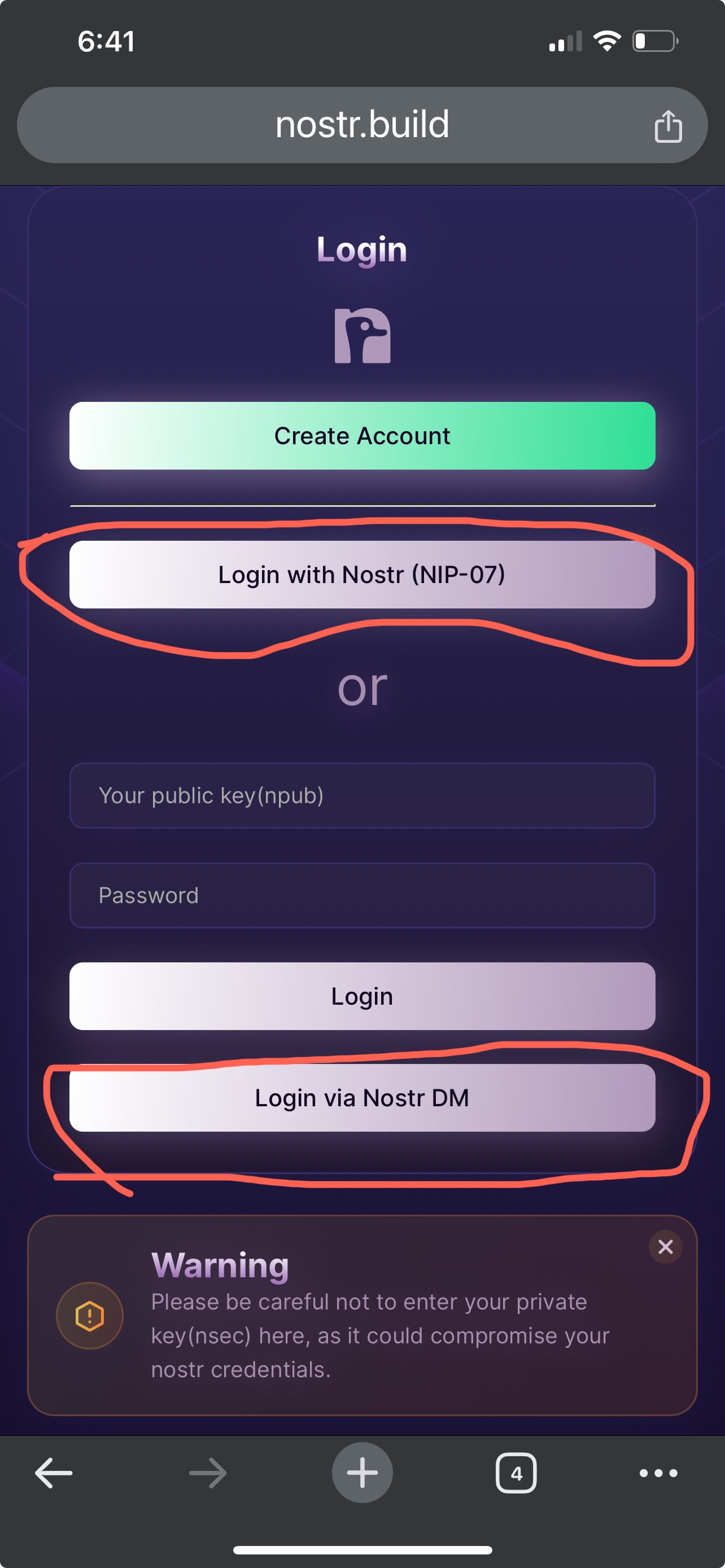
Will give it a try thank you!
Did the re-login then attempted to upload directly via Damus but it failed again. Checked my account after the failed upload attempt and don’t see the video over there. 🤷♂️😅
Gonna try deleting and reinstalling @damus and see if that fixes it
Welp, still got the “error uploading image :(“ message once the upload completed, so I guess I’ll use the work around for now nostr:npub1nxy4qpqnld6kmpphjykvx2lqwvxmuxluddwjamm4nc29ds3elyzsm5avr7 nostr:npub18m76awca3y37hkvuneavuw6pjj4525fw90necxmadrvjg0sdy6qsngq955
Did you do the DM number confirmation thingie?