
I hope I won't need a job in retirement 😅 but if I do, I will ask you 😁
Is that your job? I don't trade at all, way too scary 😅
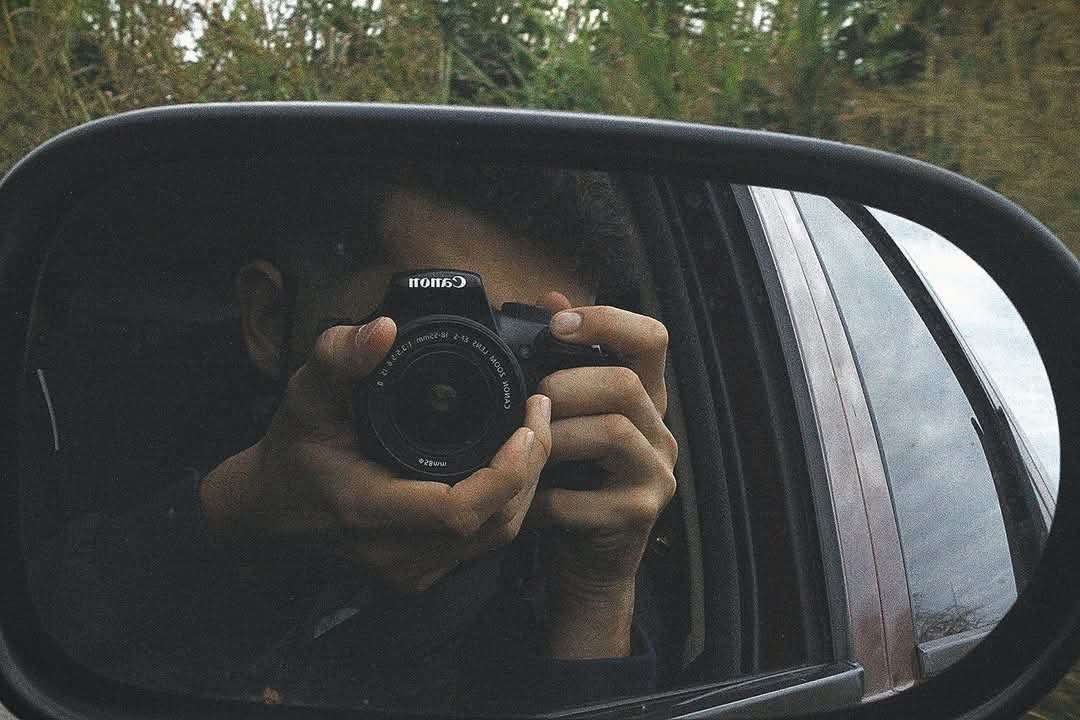
Did you stack sats today? #bitcoin


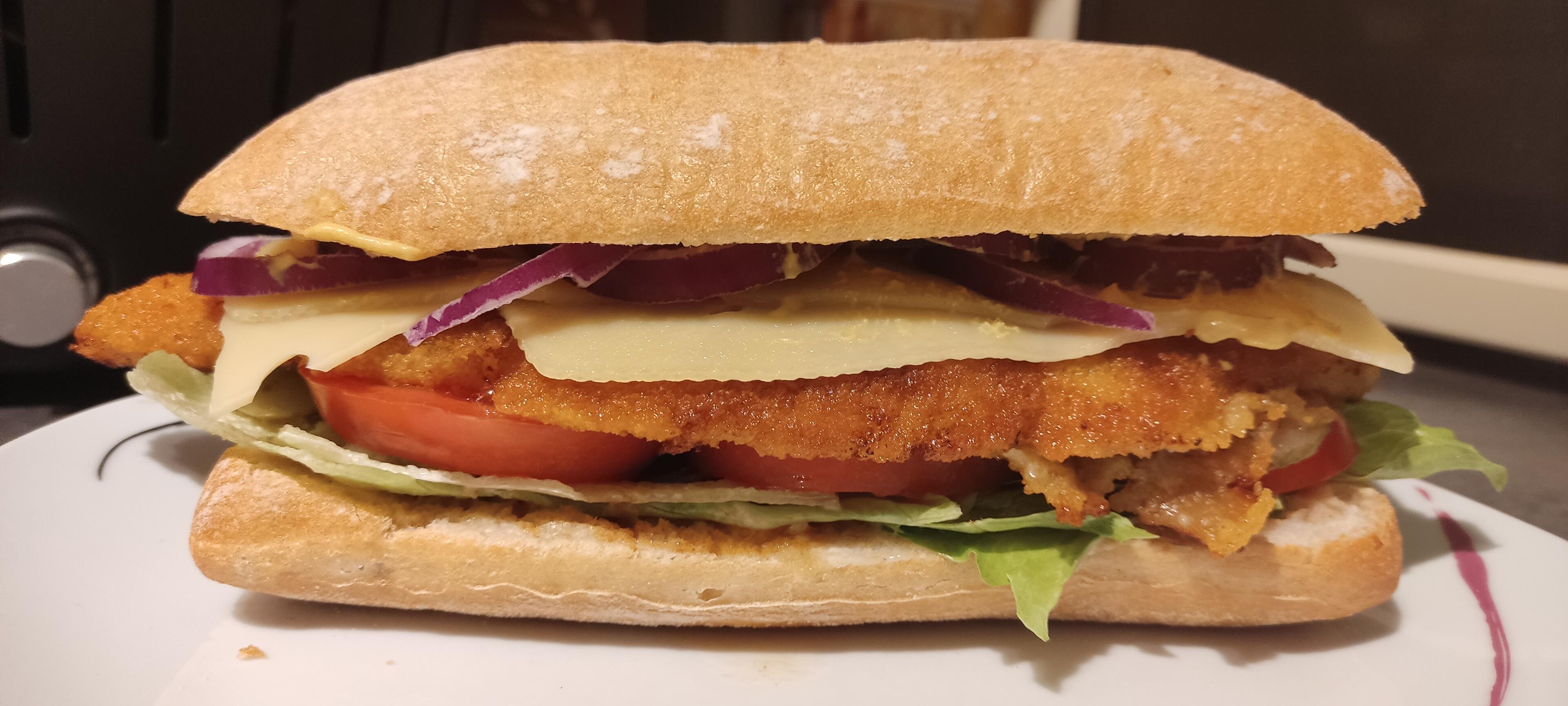
I usually don't post food
but when I do
SCHNITZELSANDWICH
#germanburger #ultrawidescreen #dinnertime

Willkommen im Club 😁

Ah, good to know - then I'll try NFC. Thanks for clarifying!
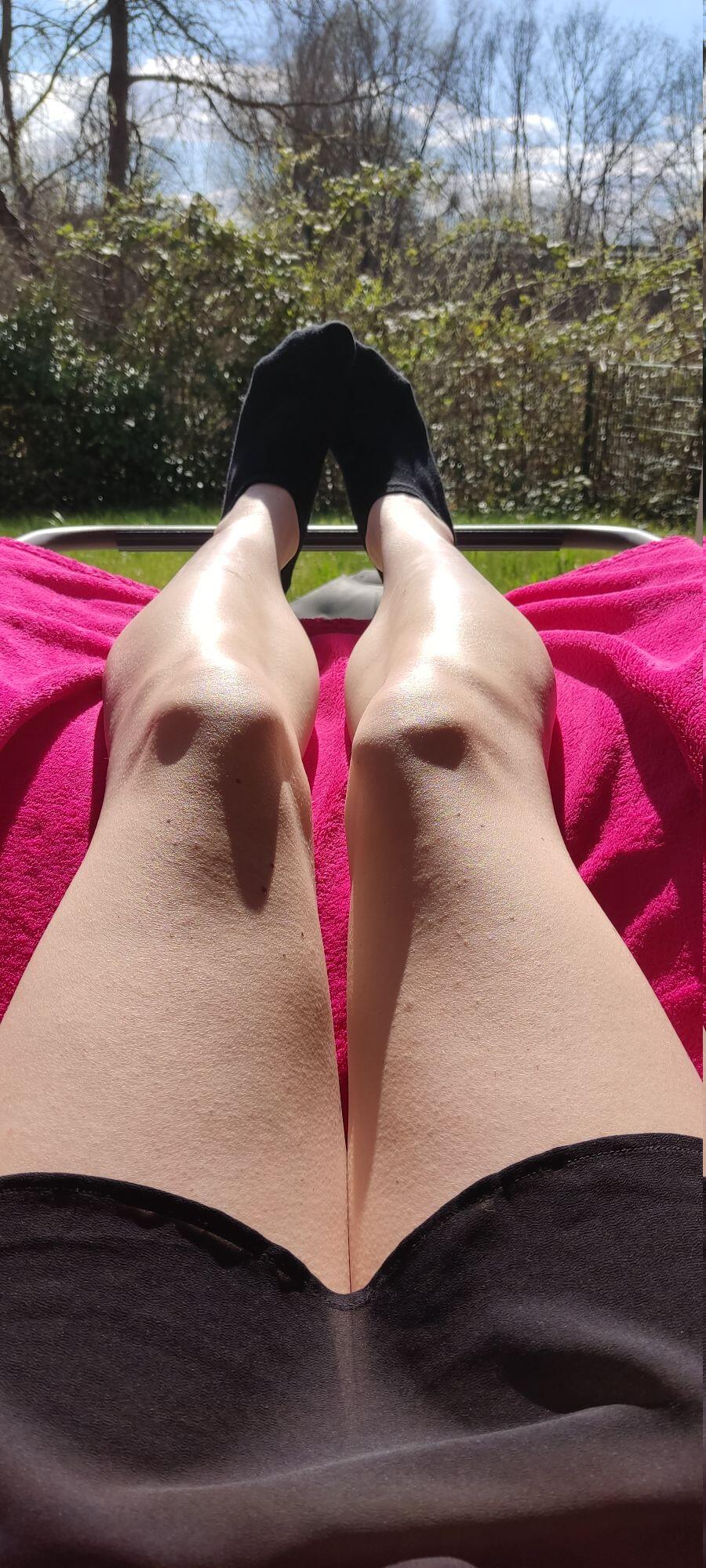
No socks though.

GM.
Sorry, no makeup. Need to squeeze into the humansuit™️ first.

Thanks for the suggestion, I might do.. wanted to avoid NFC though.. do you know if the method of adding the key is relevant for later wallet use? I.e. if I add the key via NFC, do I have to use NFC later or can I still sign via QR?
I mean adding the key, and did what you described (except setting a derivation path, I have single Sig)
But as I said, after scanning the mulit-part QR to 100%, the app just throws me back to the previous screen. I can press continue again, scan again, etc. But the key is never added, it's stuck in a scanning loop
Classic
#nonazis #nazisraus #keinfussbreit #weatherballoon

21:21
nostr:nprofile1qqsvxq03xdev3uxehjqcdkr5lfzl5vawmcf7vm6ps73m6ghwg8y4k2spz4mhxue69uhk2er9dchxummnw3ezumrpdejqz9nhwden5te0dehhxarj9eekcmm5dpujuamfdcq3yamnwvaz7tmsw4e8qmr9wpskwtn9wvuasnac hello 👋🏻, I have trouble connecting a coldcard Q to nunchuk an android. It scans the QR to 100% but then just returns to the scan instructions view without ever adding the key. It this known? Or a just me problem 😅