
klimastreig.org
ist nicht erreichbar, sondern gibt einen "ERR_SSL_PROTOCOL_ERROR"
He isn't to be taken seriously at all.

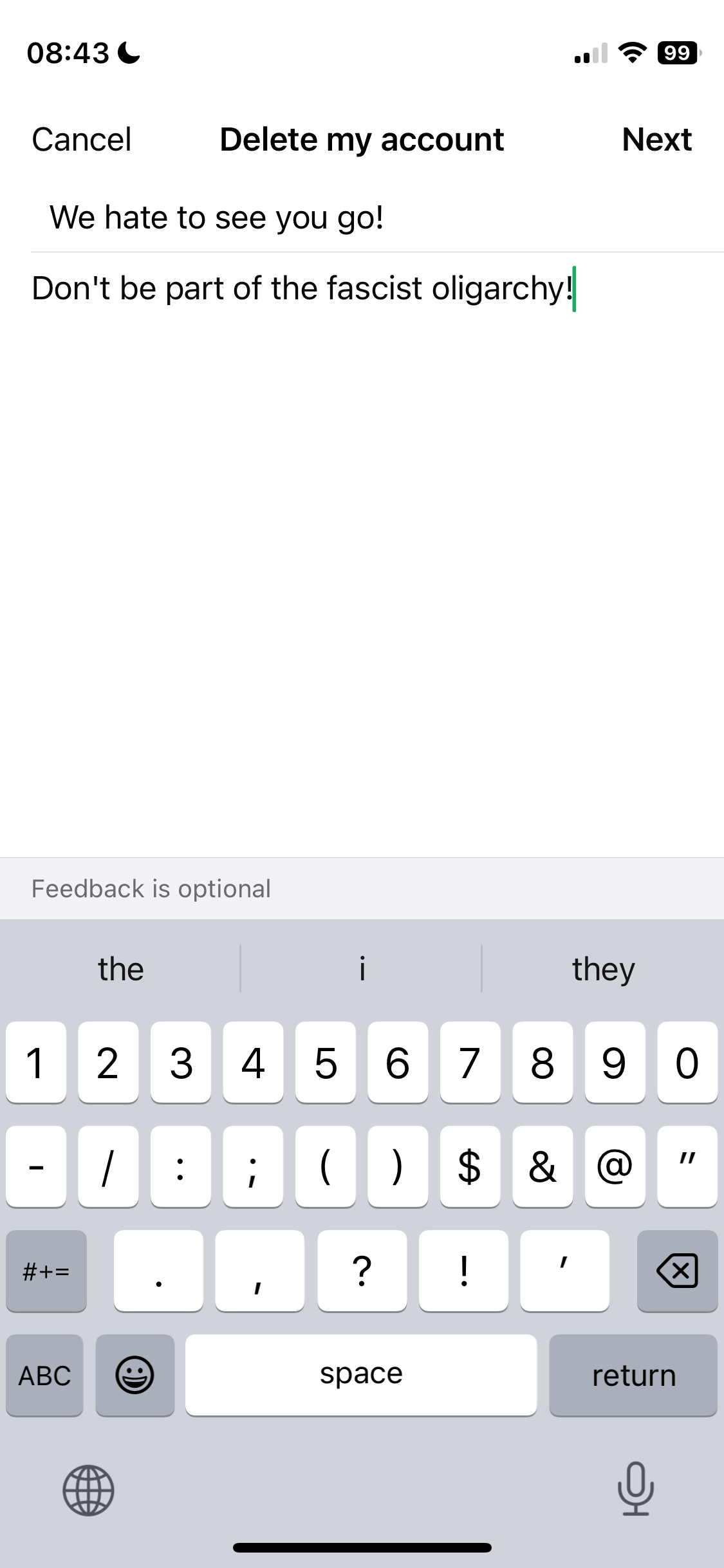
Good move. But "antifascist action" might be a bit of an overstatement! :)
"404 Page Not Found"

What would be a good one on macOS?

It has for media. For text, you could set "Disappearing messages" to something very small.

1. I _think_ the APK from Signal's site uses (or at least offers and then chooses based on your OS) a different non-Google way of sending you notifications. Not sure, check this again. DO NOT USE APKs from random sites or GitHub repos.
2. I don't know what you are asking exactly.
If you are asking for implications of answers to the first question for the privacy of Signal convos on iPhones (given iPhones are "locked down" (whatever that means?)) then I don't see any but my answer to 1. is uncertain and likely incomplete anyway. Note that surveillance via notification timing analyses has been reported in the past.
If you are asking whether Signal convos are less private (from who?) on iPhones compared to what exactly?, then I'd say that the Signal app itself is as good as on e.g. some Android flavour but that it of course depends (like any other app) on the OS playing ball. _In theory_ the OS could happily screenshot everything. Not saying this happens on iOS but it'd be possible and unnoticable. For something actually resembling privacy on a smartphone you should be using GrapheneOS anyway.
3. Yes.
4. Define "safe". Anyone knowing your username can message you. However, you can easily rotate your username without losing existing chats/contacts initiated with your old username.
5. No.
Remember: I'm just a random dude on the internet. Signal has an ok blog/documentation which helps you verify my claims.
nostr:nprofile1qy2hwumn8ghj7un9d3shjtnddaehgu3wwp6kyqpquyj8kkqtcs20wj00t5drdwhqq8zfp0vhlsfnxuxgdr2ay7sd7vpsy2w96p nostr:nprofile1qy2hwumn8ghj7un9d3shjtnddaehgu3wwp6kyqpqhxx76n82ags8jrduk0p3gqrfyqyaxnrlnynu9p5rt2vmwjq6ts3qf3easn nostr:nprofile1qy2hwumn8ghj7un9d3shjtnddaehgu3wwp6kyqpqmnwqngttz2xxpt8znsk565sl4q9mvtdere5mtp4l3622gel3e40segalsa No, that's not why. There are standard Camera and Microphone toggles which function differently than the Sensors Off toggle. There will be a separate one added by GrapheneOS for other sensors too but there's rarely ever a reason to grant the Sensors permission we add to user installed apps.
Thanks a lot for your replies nostr:nprofile1qqs9g69ua6m5ec6ukstnmnyewj7a4j0gjjn5hu75f7w23d64gczunmgpz4mhxue69uhhyetvv9ujumt0wd68ytnsw43qz9thwden5te0v35hgar09ec82c30wfjkcctexf34p3, highly appreciated!

nostr:nprofile1qqs9g69ua6m5ec6ukstnmnyewj7a4j0gjjn5hu75f7w23d64gczunmgpz4mhxue69uhhyetvv9ujumt0wd68ytnsw43qz9thwden5te0v35hgar09ec82c30wfjkcctexf34p3 nostr:nprofile1qqstnr0dfn4w5grepk7t8sc5qp5jqzwnf3lejf7zs6p44xdhfqd9cgspzpmhxue69uhkummnw3ezumt0d5hszrnhwden5te0dehhxtnvdakz7qgawaehxw309ahx7um5wghxy6t5vdhkjmn9wgh8xmmrd9skctcnv0md0
Is that sensible?

1. Zu Hause stehender selbst gehosteter kleiner Server &
2. FOSS Router mit openWRT (oder ähnlichem)
jew. aufsetzen und am Laufen halten
(beides mit normaler Consumer Internetverbindung)
Was ist falsch mit Android? Kennst du das auf AOSP basierende GrapheneOS (grapheneos.org)? Das ist der Goldstandard unter den Android OS, wenn es um Sicherheit und Privatsphäre geht.

Will #Grapheneos support #faceunlock in the near feature?
#fingerprint often does not work with my #pixel7
#opensource #privacy nostr:nprofile1qy2hwumn8ghj7un9d3shjtnddaehgu3wwp6kyqpqtva8g98fx0fks0pt38vr75tv02t30qd5ev7n5v7fcpl6t44hf7kq5fm8mr
Whether the GOS team will support faceunlock is hardware dependent. The Pixel 4a had proper and several cameras with I think infrared and and stuff that made it suitable for secure faceunlock. Later models don't have that which would make faceunlock not secure enough to meet the GOS team's bar. If new Pixels again have suitable hardware they'll support face unlock again. They explained it much better but it made a lot of sense to me.
Fingerprint unlock issues often arise when using screen protection (or ofc with hardware issues), not software related.
Could it being harder to port to new versions than other existing features mean it might be dropped again?
Their website spells out in every conceivable detail why they currently support Pixels only. Also, name one smartphone with fully open source hardware - you cannot because there simply isn't one. Seems your suspicion is unfounded.

Do you still have any of those problems on 15.0.1? nostr:nprofile1qqs9nku0p6ycnd5vgq6w0pu5wkq58pzh73j7r74q0r653rcemssxmxqpz4mhxue69uhhyetvv9ujumt0wd68ytnsw43qz9thwden5te0v35hgar09ec82c30wfjkccte9n7wmp
Do you still have those problems on 15.0.1?
nostr:npub10p76mcwj8y3lkrsf4raxq3j43lq2l043363u4g3xs08dn4v56hasagmy3g Yes, and we've already been testing it via the Android 15 flags available in Android 14 QPR3. We already ported our changes to support those things previously. We have our Android 15 port largely done now.
Will Private Space eventually supersede user accounts? Is the degree of separation between data/apps comparable for Private Space and different users?

A pre-installed app on #Google Pixel devices could expose users to potential cyberattacks due to insecure code execution.
With over 3 dozen permissions, the app has access to sensitive data & system-level functions, posing a significant risk.
https://thehackernews.com/2024/08/google-pixel-devices-shipped-with.html
#infosec
nostr:nprofile1qqs9g69ua6m5ec6ukstnmnyewj7a4j0gjjn5hu75f7w23d64gczunmgpz4mhxue69uhhyetvv9ujumt0wd68ytnsw43qzxthwden5te0wfjkccte9eeks6t5vehhycm99ehkuegprpmhxue69uhkummnw3ezucm0d9hxvatwvshxzursz8gjrz nostr:nprofile1qqsvzkj6vkvxu745zdx7uw4c2f2d5hzafvzw0z60zmyzsdce9564rpgpr9mhxue69uhhyetvv9ujuumwdae8gtnnda3kjctv9uku09kp

Issue: https://github.com/GrapheneOS/os-issue-tracker/issues/28
Current fork branch: https://github.com/u-fred/platform_frameworks_base/commits/issue28/
I'm not the contributor. Where to find could be subject to change.
Thanks so much!🤗🤗🤗