
Here's clients I found easiest to figure out on my own, from one new Nostr user to others:
#Yakihonne: It’s my personal favorite both on ease of use and on principal. It'll create the easiest wallet to take across other Nostr apps. And it's used in some countries where journalism is known to be censored, since it's used for more long form articles. I appreciate the uncensored/less censored insights.
Music and podcasts: #wavlake app and #fountain app. The economics are much better for musicians than Spotify and traditional subscription music apps. If artists earn more, they of course have more time to dedicate to their music and we as listeners then benefit from higher quality music. I love discovering new music created from all corners of the world, as opposed to the quite literal manufactured same beats the music industry feeds listeners in the U.S. But seriously, look into the pittance the traditional music apps pay musicians, then count how many sats artists receive on just one song on #Wavlake, and imagine this at scale.
You’ll hear about the most popular mobile apps from others, so for unique one's on iOS download #testflight which gives you access to iOS apps that aren’t yet in the App Store, like #olas And #nostur.
On the desktop, check out #nostrudel which has one of the coolest UX for accessing different types of information on Nostr. Or #iris which not only has a good layout for doom scrolling but also provides a verified address for free. You'll see verified addresses from top Nostr users, but if you're new you aren't necessarily ready to commit buying a verified address. #Iris hooks you up. I don’t know what other clients do that. These two also have really good PWA's if you want to just use them on your phone and not deal with different apps across different devices.
There’s of course more social clients out there but at a certain point there’s diminishing returns in subjecting yourself to so many choices.
Just remember, Nostr isn't an app or platform, which means its uses can and will expand beyond social networking, into streaming, and beyond. I'm sure someone is working on an EMR service where we can actually own our own medical data, for example. It's worth being part of this because it means you will own your data in all its shapes and forms.
This is only for receiving. I use it that way. But you cannot send from it in Nostr
conveniently (which means it won't be used to send from in Nostr, ever). You'll want a Lightning wallet from a Nostr app still.
The complication has nothing to do with using Nostr clients. You're up and running as soon as you create an account. What we're talking about now is adding in the ability to send and receive Bitcoin. This should really be compared to setting up a bank account to send money 24/7, and with that perspective, setting up a Bitcoin lightning wallet in a Nostr client is WAY easier than traditional banking infrastructure.

The wallets are unique to the specific apps on the specific devices. Meaning if you get a wallet setup on Primal's website, it will not follow you to the mobile app. Every place you have the app loaded, you need to connect the wallet. BUT- Primal on iOS doesn't use NWC or Alby. So you have a few options:
Option 1) use the PWA version of Primal on your phone and set it up that way. I've not tried this, but I know Alby works with the desktop version of Primal and assume it'll work this way, too.
Option 2) Use a different app, such as #Damus or #Yakihonne or one of the other one's I messaged you about.
Option 3) Use a PWA of other clients if you don't like any of the apps. I like Iris and Nostrudel's PWA on mobile. A PWA is basically loading the mobile version of those clients in Safari, hitting the share button, and adding it to your home screen.
Here's another that I figured out myself as a new Nostr user. This can be done later and isn't necessary for exploring Nostr, but now that you have a Bitcoin lightning wallet, which is what these wallets are, you can take that with you OFF of Nostr:
1) When you have a getalby.com portal setup, go to Connect
2) Get your LNDHub credentials
3) Download a Bitcoin wallet like Blue Wallet phone app
4) Click on add a wallet or the plus button
5) Click on the three dots in the upper right and select Lightning
6) Add your LNDHub credentials as Your Node Address
Now you can send and receive Bitcoin outside of Nostr as well on the Lightning Network, which is a faster way to send and receive Bitcoin, as well as a way to send micropayments.
From one new Nostr user to others, here's the most straightforward way I found to setup a wallet to use across multiple Nostr apps. You don't need a wallet to doomscroll or like or share content, but one of the best features of Nostr is how easy it is to transact and knowing who you're transacting with. I'll do another post of apps I like across platforms, because there's more choices than what we're used to:
Ok, so as a non-technical person here's what I figured out as the easiest path:
1) In your app setting's keys, your private key is called an nsec. Copy it to your clipboard,
2) go to yakihonne.com on desktop mode,
3) Login with your nsec,
4) Go to settings,
5) Go to wallet,
6) Create a NWC Yakihonne wallet,
7) Copy the NWC address (this is why you have to load the desktop version of the site. This won't show on mobile)
8) Go to getAlby.com and login/create an account
9) Use the NWC you just copied from your new Yakihonne wallet to Connect.
10) Now you can use your Alby extension to login and your wallet will follow you everywhere that accepts it. If you're using Primal on iOS, NWC doesn't seem to work, but otherwise there's plenty of apps that will.

It’s my personal favorite. It’s used in some countries where journalism is known to be censored, and used for more long form articles. I appreciate the uncensored/less censored insights.
If you’re exploring other Nostr clients, check out the #wavlake app and #fountain app for music and podcasts. The economics are much better for musicians than Spotify and others. If artists earn more, they of course have more time to dedicate to their music and we as listeners then benefit from higher quality music.
You’ll hear about the most popular mobile apps but also download #testflight which gives you access to iOS apps that aren’t yet in the App Store, like #olas
And #nostur.
On the desktop, check out #nostrudel which has one of the coolest UX for accessing different types of information on Nostr. Or #iris which not only has a good layout for doom scrolling but also provides a verified address for free. I don’t know what other clients do that.
There’s of course more clients out there but at a certain point there’s diminishing returns in subjecting yourself to so many choices.
I should make these their own posts to help others…
I hear you. When I first raised my hand saying the same thing, I was pretty much told 'yup, it's complicated,' and then crickets. Ok, so as a non-technical person here's what I figured out as the easiest path:
1) Copy your private key called an nsec to your clipboard,
2) go to yakihonne.com on a desktop,
3) Login with your nsec,
4) Go to settings,
5) Go to wallet,
6) Create a NWC Yakihonne wallet,
7) Copy the NWC address (this is why you have to load the desktop version of the site. This won't show on mobile)
8) Go to your Alby portal
9) Use the NWC you just copied from your new Yakihonne wallet to Connect.
10) Now you can use your Alby extension to login and your wallet will follow you everywhere that accepts it. If you're using Primal on iOS, NWC doesn't seem to work, but otherwise there's plenty of apps that will.
Here's another thing you can do later, now that you have a Bitcoin lightning wallet, which is what these wallets are:
1) In your Alby portal, go to Connect again
2) Get your LNDHub credentials
3) Download a Bitcoin wallet like Blue Wallet phone app
4) Click on add a wallet or the plus button
5) Click on the three dots in the upper right and select Lightning
6) Add your LNDHub credentials as Your Node Address
Now you can send and receive Bitcoin outside of Nostr as well.

Welcome to the new ATH
Watching new Nostr users flood in today is like a sneak preview play out in real time of when the traditional financial system fails the regular person.
Welcome, we’ve been expecting you. Yes, you deserved to be treated better by the other systems, but it’s their loss, not yours.
We’ll make this transition as seamless as possible. Don’t worry, almost everything is already in place.

So zap them immediately?

I think you’ll like it here.

Sign up to the Wavlake app using your Nostr nsec. Add your music. Get paid directly from listeners. The Spotify economics are horrible.

That is not another way of putting my argument, no. I am not making a position in favor of the U.S. control of media. I was pointing out that believing the video’s argument is the right one, is wrong.
Singapore reigned in domestic control over its media to minimize outsized influence of foreign countries such as China and America, not for some planned dystopian future, but so the country can develop its own mores and sense of self.
Cutting off an algorithmic social engineering platform that is influenced by a foreign government with questionable human rights records of its own population, which it should hold in higher esteem than the population of a challenging economic power, could perhaps be another legitimate reason?
The U.S. still has access to RT, al Jazeera, BBC, and other foreign news sources, so it is hard to accept this scare tactic on its surface.
Oh, plus there’s Nostr. U.S. hasn’t banned any of its clients has it?
Knowing what TikTok shows its domestic audience versus what Americans are fed from the app’s algorithm in this country, claiming censorship is hypocrisy.
Note I am not arguing in favor of the American ban, but against this video’s argument.

That is just stating the obvious. What’s less well known that is interesting?
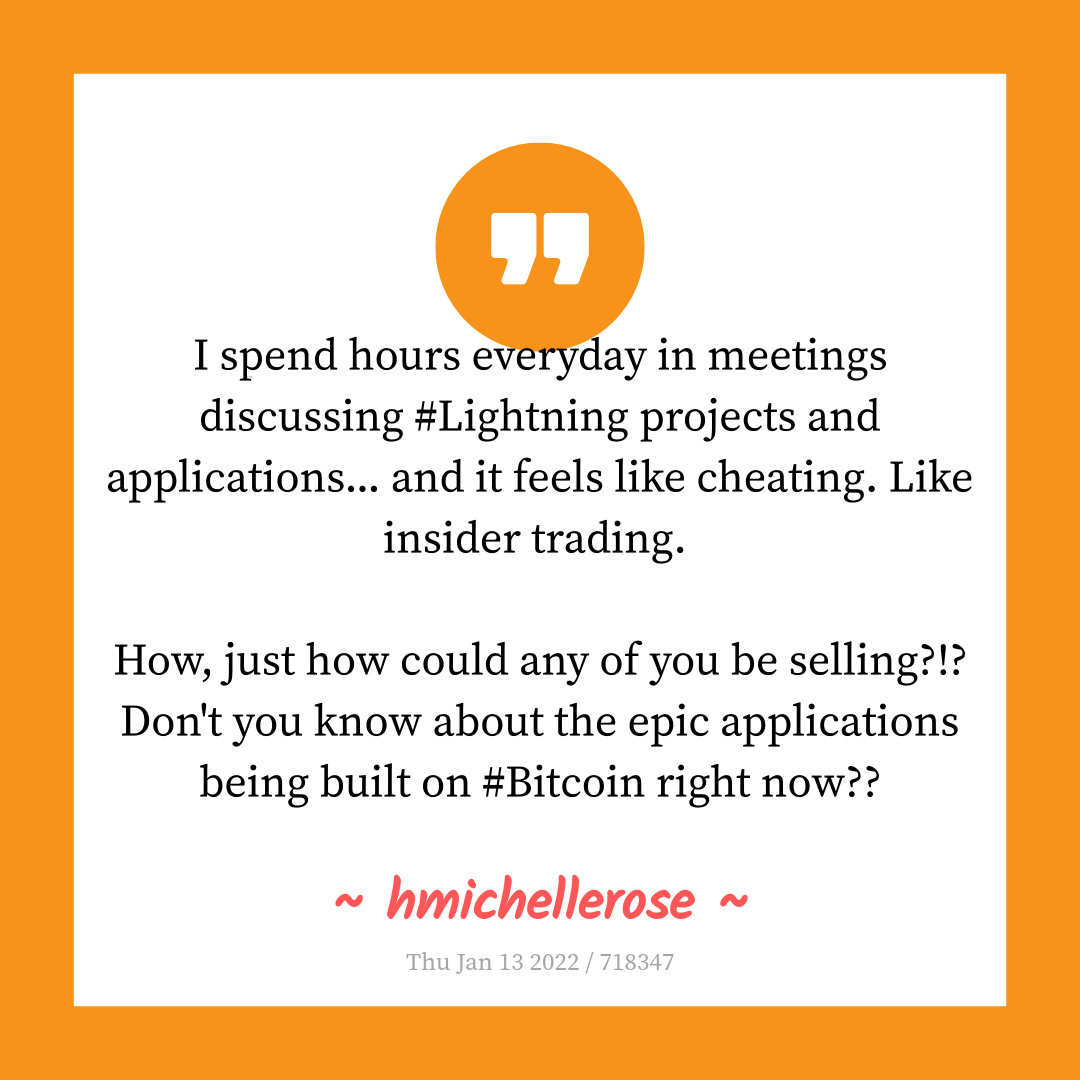
I spend hours everyday in meetings discussing #Lightning projects and applications... and it feels like cheating. Like insider trading.
How, just how could any of you be selling?!? Don't you know about the epic applications being built on #Bitcoin right now??
- nostr:npub1tv5j2h2742ht2a6490cdzypsxah5wlge5qyutadgphw884ynt8mqg4jlst
#BitcoinTwitter
Like what?
Something something game theory winning the infinite game something something nostr:note1cnlw0rxktzpr4ckeevcnfc8lc9lutpuqsjpyyjl3cu0e6z6vl4nqu0vj6k

Your postings show people they can come as they are. Free speech using has been unfiltered thoughts.
The best of Nostr hasn’t been from ‘thought leaders’ but from thought free-ers like you.

How did they define ‘communication channel’? Could they ban email? Nostr?