
Trying my phone in grayscale to see if it affects my usage. Anyone else tried it?
Discussion

How did you do that?
I have an iPhone so went to Settings—> Accessiblity—> Display & Text size—> Color Filters—> turn on and select grayscale.

My phone is on very very very red night filters the whole time. Blue light is the enemy ⚔️


I forget how I did it. But I made my side power button a 3x tap and it goes to grey.
Accessibility - accessibility shortcut - color filters. Turns on the triple click for the power button.
I don’t see the color filter 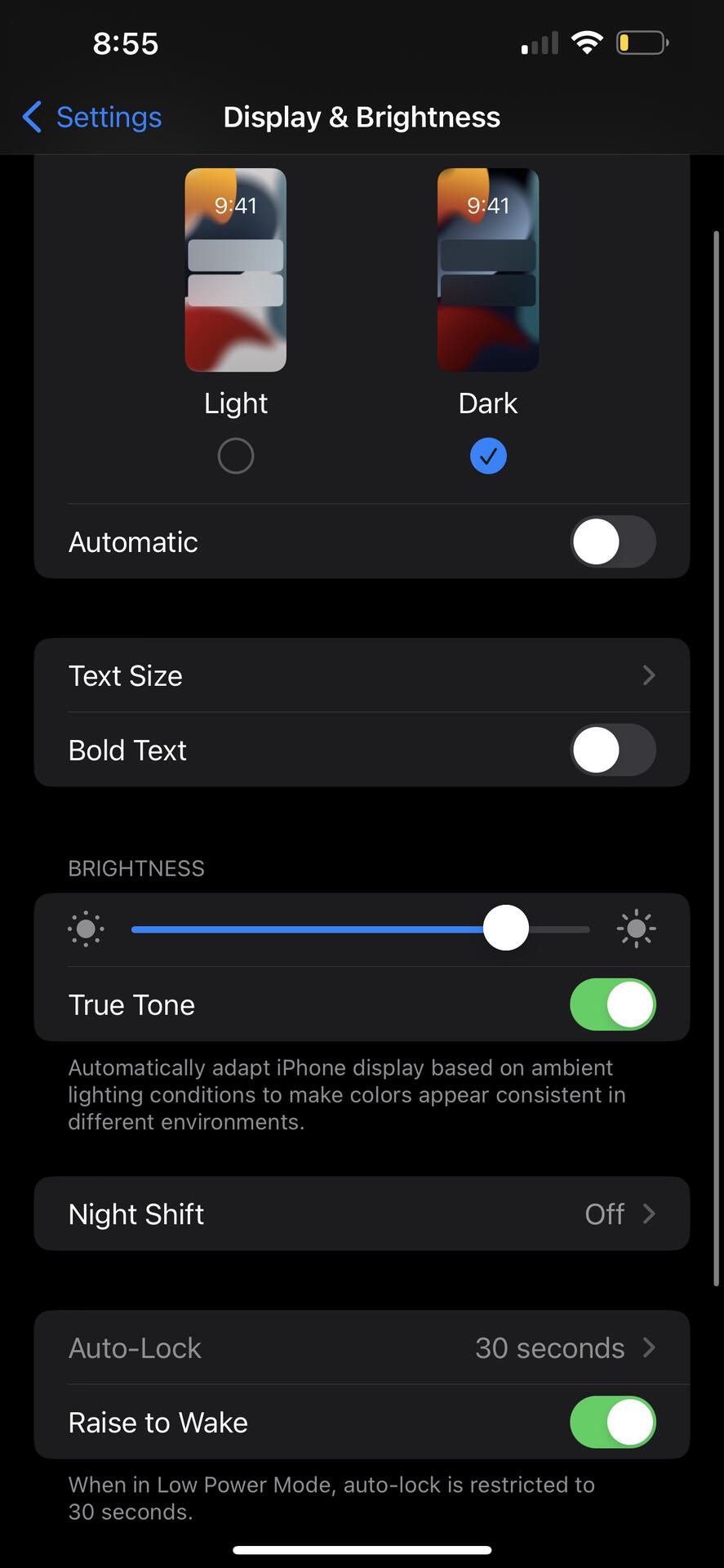
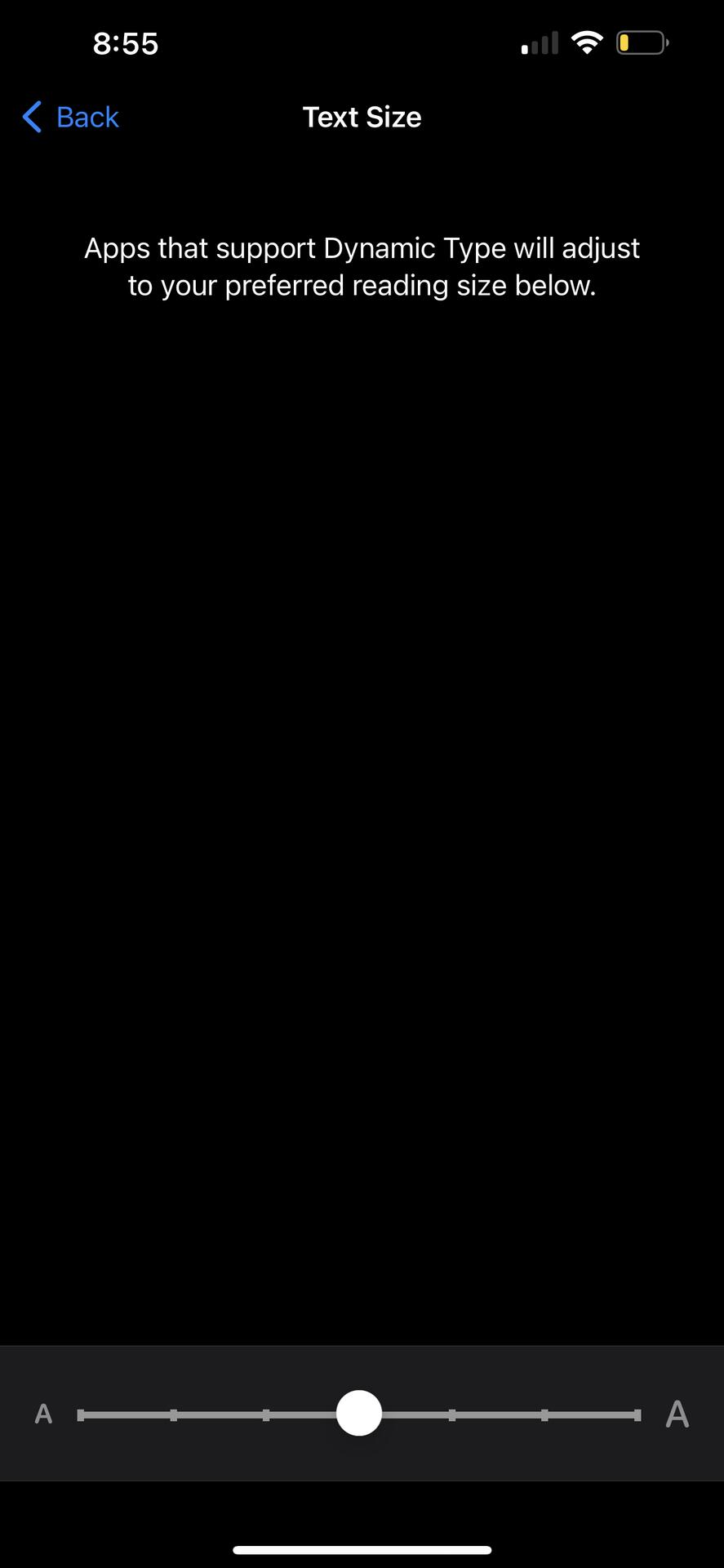
Okay I got it!!!

I have it setup as a triple click but never use it lol 😂
Yes but in my experience nothing works better than buying a $20 tracfone and leaving your smart phone at the office

how dystopian

It works long enough for me to get pissed off when I can't see what I'm trying to look at, so I just change it back

Oh, interesting, I will now join you on this adventure and see what happens 😄

I only use my laptop. Thank you for the zap! -happy trails

I have it set up for once I've used my phone for too long. It makes it slightly annoying to view things especially if you're browsing media 🙂😀