
What do other people do, when you've got more browser tabs open than you can navigate around, yet you don't want to close any of them?
#asknostr
What do other people do, when you've got more browser tabs open than you can navigate around, yet you don't want to close any of them?
#asknostr
Sometimes I accidentally close the whole browser and immediately realize I had pages open that I didn't bookmark and don't know if I'll find them all again.
Story of my life 😂😂
When my computer protests by finally slowing down, I’ll either x out of the entire window in a moment of rashness, or if there is stuffI really need I either bookmark it, or just make a note and then restart my computer to give the poor thing a break 😅
Close them and stop spreading my attention so thin
But, but, but…
Hold on a sec.
Right I’m back what was I saying?
Some browsers like edge allow you to group tabs. It's like competing several tabs in one, and expanding them later when necessary.
Yes, I've seen that. I quite like Brave tho and I'm on a Mac. I'm gonna have to copy and past the URLs to notepad before closing them 😂
You might be able to create a bookmark group from open tabs.. And open all at. Once next time?
But seriously, just don't 😂 it drains the ram and mac is under rammed already!
I upgraded to 16GB RAM with my M1 Air.
Ah, Brave "Add Tab to New Group"
Interesting, thank you🙏
"Open link in new window"?
I do that on my 27” desktop, but it’s less effective for me on my laptop with its smaller screen.
You don't have to have both windows on the screen at the same time. The 2nd window provides more space for the tab titles. Just Alt-Tab to switch from looking at one window of tabs to the other.
I do, I do 😂
But actually good, point, I'd forgotten about 2nd virtual screens.
Except I'm on a Mac and their is no ALT key and now I have to open a new tab to google how to switch to 2nd screen on a Mac 😩
Thank you 🙏
🤣 I feel your pain.
It's called hoarding
Relatable 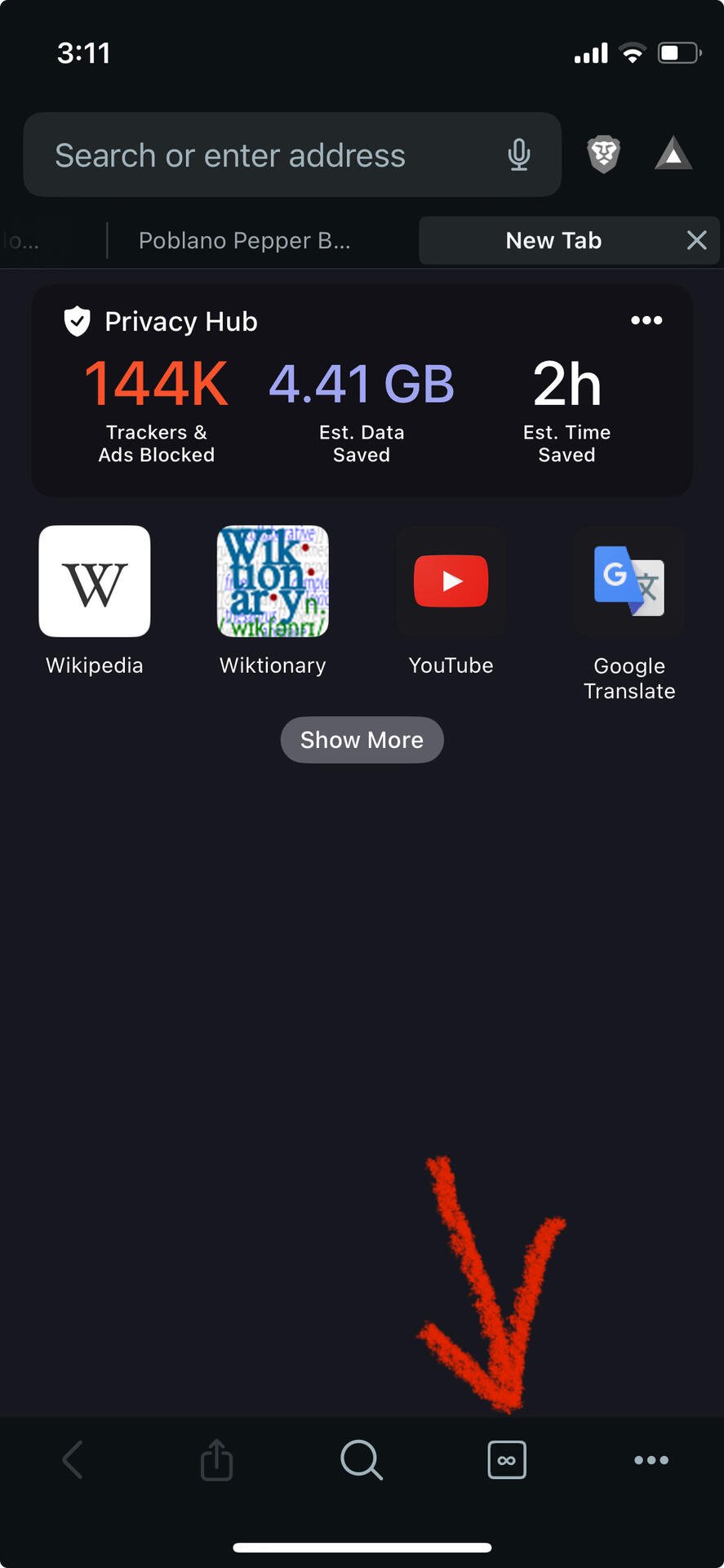
So what I do day to day:
Brave browser has a search tabs function, at least on mobile. I make tons of use out of that.
What I do from time to time (more seldom than I should):
Go through all my tabs, close ones I really no longer need (always surprised how many of those there are), and send the URLs of the rest to myself in Signal.
I miss having a really good bookmarks system, but lost momentum a couple computers ago; besides, I now have three devices to coordinate across, and I like being able to use Signal’s searchable Note to Self on all of them.
Never really started using Signal. I have it installed, so I’ll check it out, thanks. 🙏
Also I’ll se your stats and raise you 😂

Signal was much better when SMS was enabled. Now that I have more contacts on Signal than when it did work with SMS, I probably send fewer Signal messages than before, because Moxie in his infinite wisdom decided to segment my messaging.
As it if wasn't bad enough to sacrifice security by publishing in the play store (an effective rootkit).
Curious what it took to break him.
Finish doing the reason you have it open.
Or bookmark it and set a todo to come back to it.
🫡
Depends on the browser. If Safari, I sometimes start fresh by going to each tab and close after saving the Reader View version to iBooks or Files as a pdf, and then read them on a slow weekend or during a vacation by the pool.
If Duck Duck / Firefox, I do the same but hit Ctrl+P and then Save as PDF.
Time for another workspace 💪
Vertical tabs come in handy for readability.
Also, separate browser windows for different sets of tabs. With different workspaces/virtual desktops if it's really unwieldy.
Though more often I go 'time to make some bookmarks and close some tabs.'