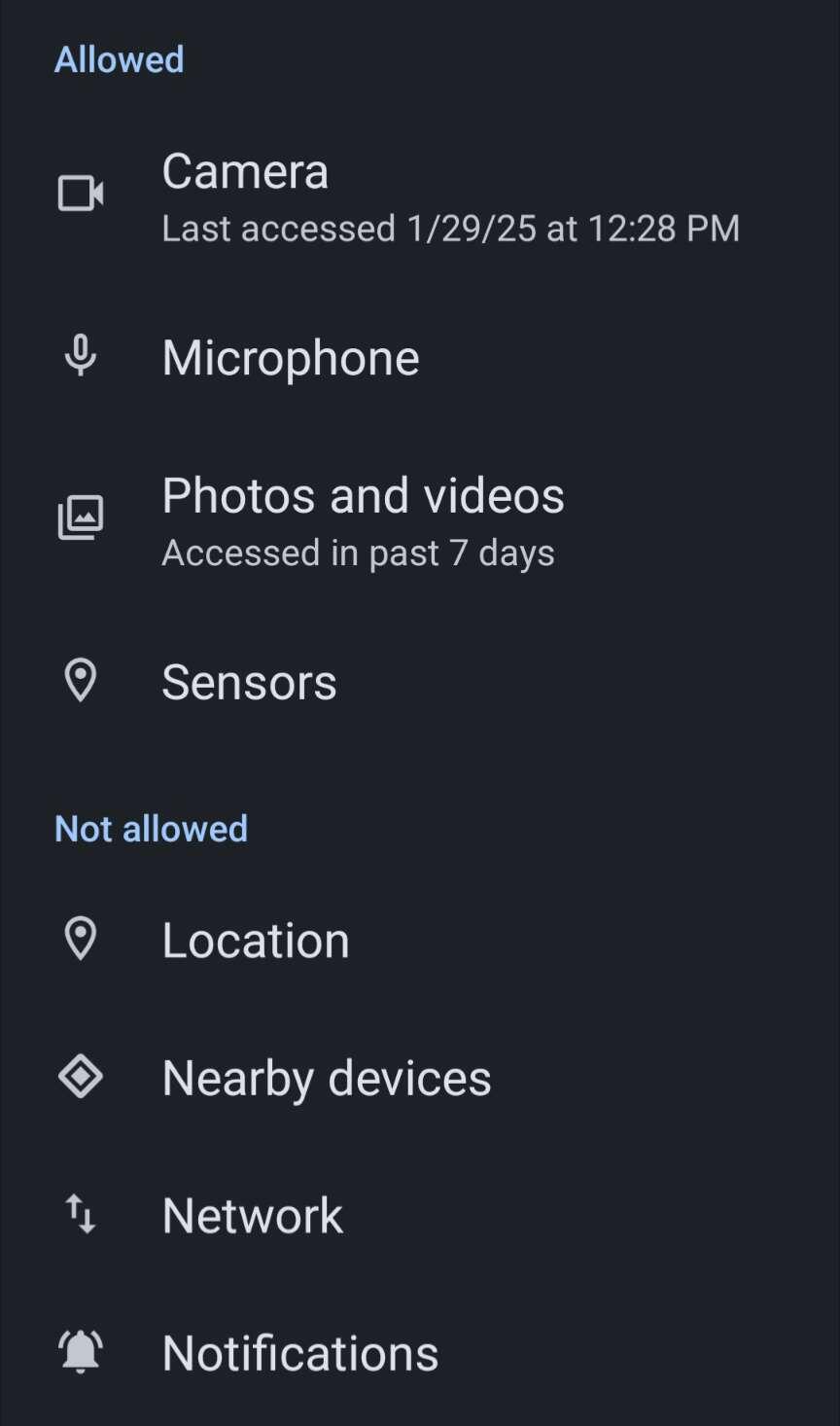
GrapheneOS is fantastic. I use it every day and kind of take it for granted, it's good to stop for a minute and be grateful that it exists.

It runs smooth on my Pixel, I got the hang of fine-grained permissions, used multiple profiles and the private space. I have most of the apps I need, battery is quite good, and Google or big tech is refreshingly absent.

The only noticeable downgrade from an iPhone in my experience is the camera and image-related software. Camera app is too basic and sometimes crashes, image quality is average, and image editing capabilities are very limited.

In all other aspects, definitely an upgrade. Highly recommend making the move.

#grapheneos

Reply to this note

Please Login to reply.

Discussion

Yeah, Cameras tend to be extremely protected by manufacturers

I'm OK with the camera, the only gripe i have is there is no apps to tap pay at a checkout. For F sake, Stores need to start accepting crypto. #grapheneos

Just got a unlocked pixel 8 this week for graphene. Any specific app suggestions and do you use a esim service like silent.link or anything like that? Pumped to get started!!

i use image toolbox for editing images on phone (it is OSS). i do use the camera app daily and I've never had a crash but we may have different pixels.

iPhones are neither secure nor private. good move.

I use Image Toolbox too. It's good, but not great, iPhone editing app is superior

I caved and use the Google camera/photos with as few permissions as possible. Definitely no network or location.

Same

Graphene is awesome for sure. Just use the Google camera and make sure you got the right permissions turned off. Pixel camera software is magical!

Good advice, will try

https://opencamera.org.uk/

Dare I say Open Camera has too many settings. I have just begun trying it out, seems good.

Tried it, and then didn't use it much more. I probably did not notice much difference

I prefer the simplicity of the camera. KISS

Great reason to purchase a standalone camera. 2nd dslr’s are going so cheap these days

I have one, I don't go out with it much

Cook da rest @grapheneOS is only way to go

Love GrapheneOS! Been using it for years. Google camera works in the sandbox πŸ‘

Nice and fully agreed!

Just FYI, you can install the google camera app with google play service framework dependency, that gets you back to very impressive pictures.

pixel camera? I dont see Google camera and would like to have better pictures again

have to get it from the Play store πŸ˜•

You can setup the sandboxed Island workspace, enable google play services just inside of it, and isolate there all the apps requiring thr GPS.

In practice, it ends up behaving like you would have 2 profiles (personal / work) inside the top level profiles (accounts).

https://github.com/oasisfeng/island

Is it better than using the native private profile?

UX wise, 100%. Switching between the main profiles is more like restarting your phone in new profile, and then restarting it back.

With the Island, you just have 2 custom sets of apps (personal/work) accessible at your finger tips.

- can open both at once

- copy paste text from one to another

- share files/pictures in between them, ...

The setup and onboarding is little cumbersome, but afterwards, the UX is solid. *The file sharing kinda sucks until you get used to it and develop some system.

I pretty much have the work profile w/ GPS just for the Google Camera and the fiat banking apps.

One thing I'm unsure though, whether I'm getting any real privacy/security benefits like this vs having the GPS installed and enabled just for some of the necessary apps.

I didn't mean profiles. I'm talking about the private profile in Android, I think it's quite new. Works similar to yours but its shipped with the OS and probably more secure

Oh, I haven't heard about that yet. Thanks, will have to look more. If the similar function is supported natively, that should be better for security, UX, and especially the backups (hopefully)

Use Aurora, disable network permissions for the camera app.

Maybe, I don't know how it's called exactly, I don't use it.

Install the google camera app, don't give it network permissions and chill.

Pixel Camera is Google Camera, that's the name of it now. If you want to use that app then search for Pixel Camera

I just looked up the install process. it seems pretty complicated. were there any issues? how long did it take you?

It's actually quite easy even if you're not technical. You install from a web browser with your device plugged in, and just follow instructions

Takes 20-30min

I did it like fran@zapatore.dev is saying, using the web browser. worked flawlessly. Been using it since the summer of 23. Very satisfied with the phone, suits me perfectly.

It's some time I did it, but that was litterally the most simple ROM-flash I ever made, worked directly out of a web browser πŸ˜‚πŸ˜‚

Didn't think something like that was even possible

Next one.

Agree esp about camera but it's all good

Check out this modder's versions of the Google Camera. It works great on my Pixel with GrapheneOS.

https://www.celsoazevedo.com/files/android/google-camera/dev-MWP/

does it take better pictures?

Yes. As long as you take the config file made for your specific model.

I have never seen a worse USB-C socket than on my current Pixel 6a. Even looking at it from a distance makes the plug come out.

50% of the time I find it didn't charge overnight.

No, it's not the cable.

The rest of the device is pretty cool.

Mine is verry fine too, much better than on my Samsung.

This happened to me previously: clean out the port with a toothpick. Pocket lint is a real issue.

I'm on my 2nd Pixel with GrapheneOS - I love it

My wife has a P9 running stock, I have a P8 with GOS. We took pictures from the same angles and compared. I didn't notice much difference tbh.

What about GPS stuff or maps? I'm running GrapheneOS myself, love it! But just a few small things missing.

I use Organic Maps with GPS