The #grapheneos stock keyboard is solid, but if you need more, check out Unexpected-Keyboard

"A lightweight and privacy-conscious virtual keyboard for Android."

"Designed for programmers using Termux. Now perfect for daily use."

#cybersecgirl #privacytechpro #opensource #foss #unexpectedkeyboard #keyboard #privacy
https://github.com/Julow/Unexpected-Keyboard

Reply to this note

Please Login to reply.

Discussion

Does it got emojis? That was my main beef with the graphene keyboard

it does, though it's missing a few. i plan on opening a request. FlorisBoard is another good alternative it's got full swiping and all emojis, skin tones etc. i prefer Unexpected-Keyboard. install them both and see which one you like, or have them both at the ready

I use florisboard 🤙

nice

Haha yeah I might switch purely for the emojiis... Can't I just... add them?

Hold down enter key on GrapheneOS keyboard for emojis :)

😮 it worked!

Hah! Yeah took me a while to figure that out... Still though, there seems to be some emojii options missing

Unfortunately, the AOSP/GrapheneOS keyboard only receives basic maintenance now

As a non-programmer, I prefer OpenBoard for its autocorrect features. It's a solid keyboard, although there's always room for improvement - it also seems to be out of active development.

Two apps I'm still looking for something better:

A launcher. I used to love Nova Launcher and would love a FOSS alternative.

SMS App. I've been using QKSMS, which is decent, but I'd love a more feature-rich alternative.

OpenBoard has been forked! https://github.com/Helium314/openboard

will likely be renamed to HeliumBoard soon

Will check it out! 🍻

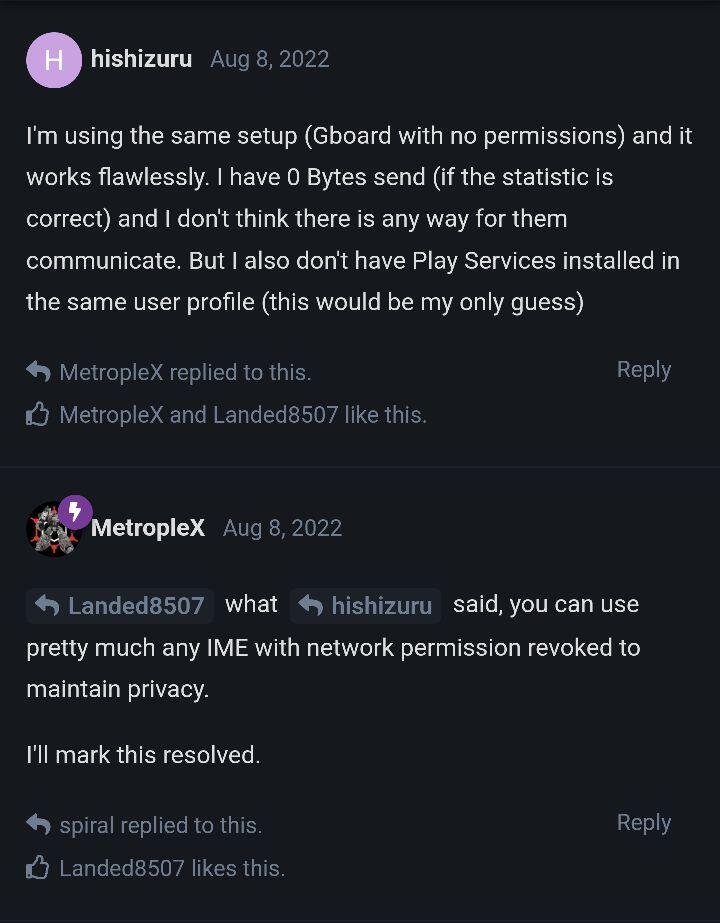
What about gBoard without internet access?

you can

#m=image%2Fjpeg&dim=720x923&blurhash=_268Ks%7EXr_xcIBV%5BMx%7EXxberxcs%3Bs%3BWCsqxbxvs%3Ds%3BoMoMsE%253%253s%3Dn%2CjbWB00sX-qjI%253jcof9Ft8%25Maht8f8ogxuWCaft7f8t7oLV%5Bxbt7jbafV%5Bj%5Bt6t7WBofj%5BWBWV&x=90f2dc09bfe8796fa8b9c6114a0c3791be78b3d826859ca65e3d36f4214a7051

Took a while to get used to, but Thumb-Key has become my favorite. It gets bonus points for immediatly confusing people when they see it.

Love it and use it daily now. It's hard to get ride of word auto-correction but I get used to it. I even push a commit to add my local keyboard layout that was missing.

awesome!