

When ever I moved I ordered a big container and threw away loads of stuff. Never regret.

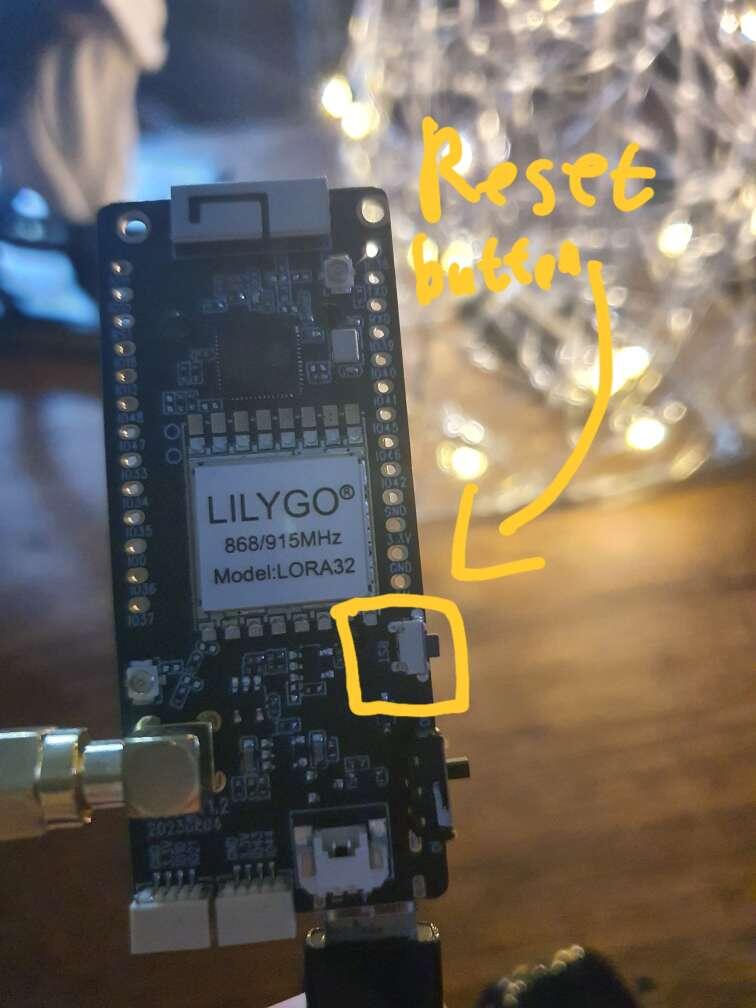
My #meshtastic device zoo🦓🐆🦁🐅🐯🐫🦒 is waiting impatiently to get fed by RNode #reticulum firmware.
Was war denn das "alles andere"?

First seasons were great. Later the story was streched too much, as in most shows with many seasons

Tiddlywiki.com . Even my wikis from 2005 still work. Host it on your server or carry it around as single file. HTML/JS that's all. I like the Stroll-Plugin for nice context linking and displaying.


The T-Deck worksfine and the FancyUI is nice but still early alpha. I will add an external antenna. The built-in antenna gives rather poor results.

POW
After 1+ year collaborating with nostr:npub166lfd9f8hhpt225gpcx4zuf4uw8pl50t8y9dg2449gt3v50kedpqpe5utk, our partnership is about to yield something big, very soon™️
#announcement_of_an_annoncement
Some month ago I followed a presentation about something promising 😏
Normally, you connect easiest with Bluetooth, you can connect via USB to your computer and use the web interface for configuration. There are many ways

Ah, you want connect to the router.
In the meshtastic app configuration you can input your WiFi credentials under 'Network '. AFAIK you can only connect either with Bluetooth or WiFi.
As meshtastic and WiFi work with different frequencies router and Node shouldn't interfere too much, so 5 ft seems ok.

Good choice to play around with.

It worked 🎇 After struggeling a bit with the Launcher, I got the FancyUI running. Thanks for providing the bins. The UI looks very nice and feels early, but basically working.
Thx. I'll try it. . What is the difference between *.bin and *.factory.bin?
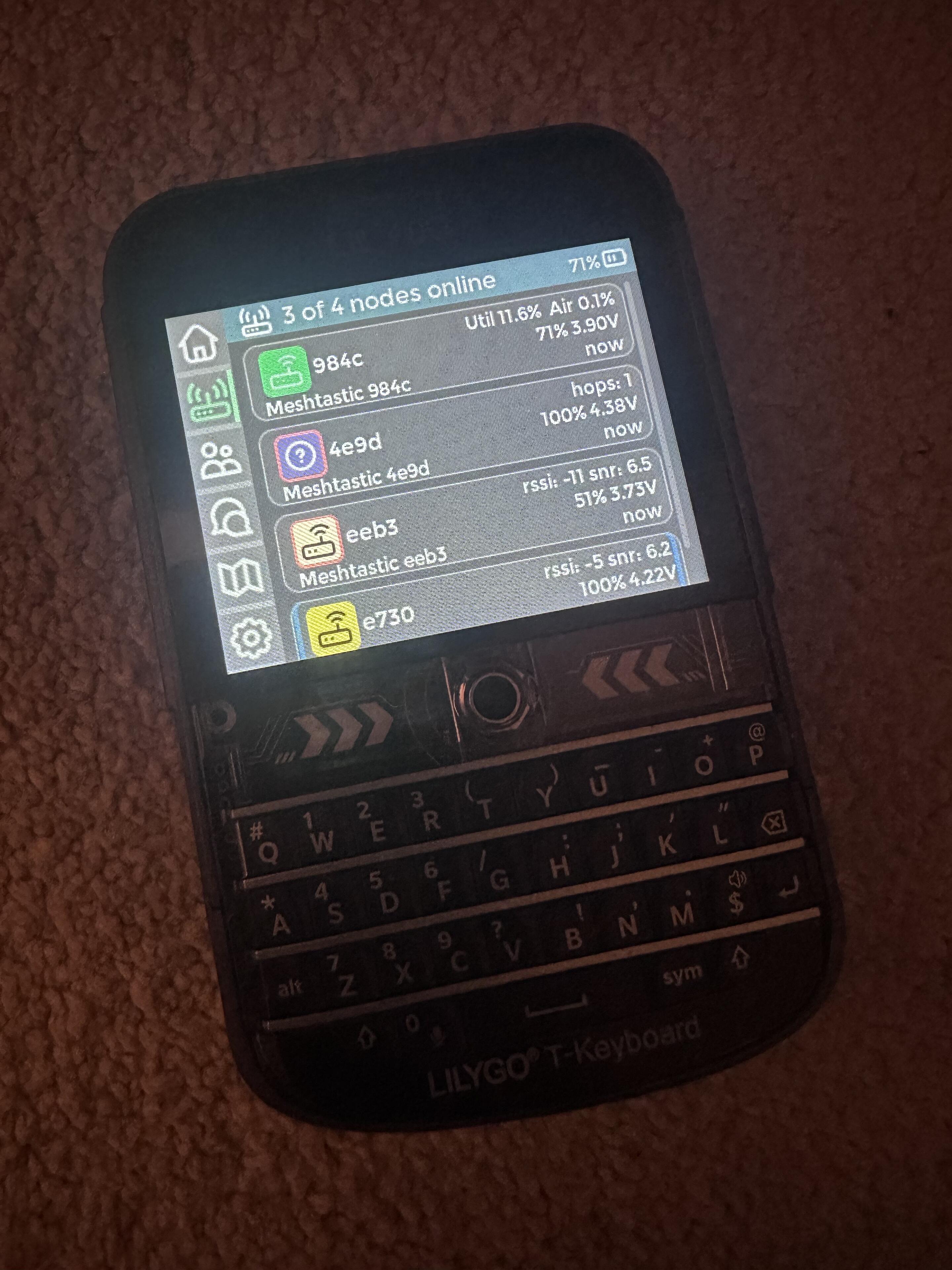
Got my T-Deck yesterday. Standard meshtastic firmware works fine. Where is the best place to start with the FancyUI?

Let me know when you figured out this multi-device-type communication. That's my end goal.
A big advantage of #reticulum seems the possibility to connect different LoRa meshs via internet. As long as the mesh is not tight enough this seems to be a way for larger communities.
I think it is o.k. to start with meshtastic because of the lower barrier of entry. My way: Playing around with #meshtastic hard- and software. Reading the #reticulum manual in parallel.