
I want to choose to open Primal links in Yakihonne and Yakihonne links in Amethyst.
Has anyone found a single click method to open arbitrary links in set apps on Android?
#asknostr
If your multisig setup is a security theatre
If you trust and don't verify
North Korean hackers will come and take your shit
This is not a fucking joke

Really important topic to be aware of
join the conversation! https://github.com/RoboSats/robosats/discussions/1746
Using only the order ID (a five digit number, no "rs") in the reference is obscure enough.
Should it become a general instruction to include it?
That would make the payer double check and provide verification to the seller that the buyer is part of the same transaction.
Also the order ID itself could be made to be random length letters and / or numbers so it is not a consistent pattern risking censorship.
The Robosats chat is already encrypted and peer-to-peer. Opening an other channel does not stop the scammer from just forwarding any request the seller makes to the real buyer.
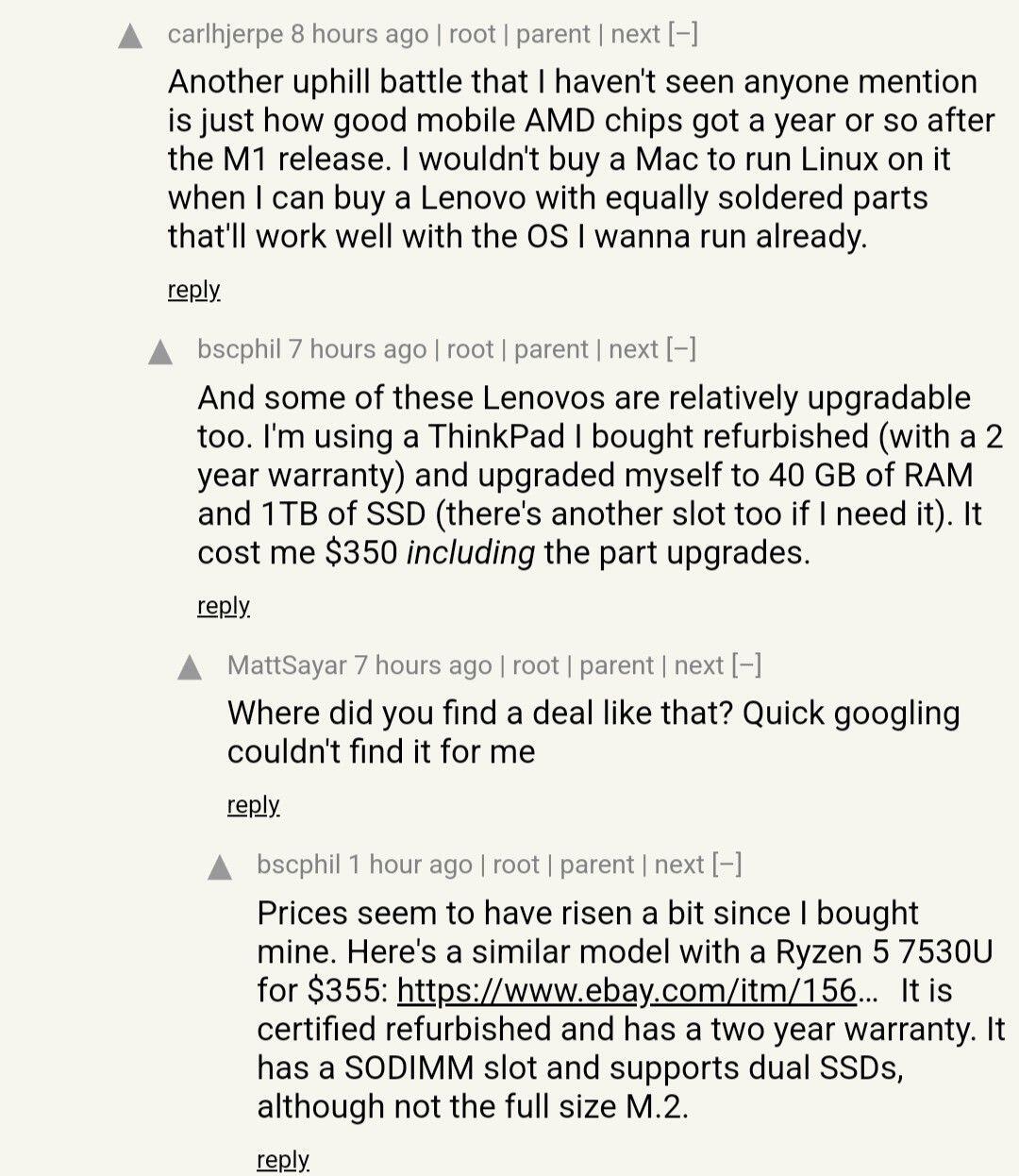
👀 Asahi Linux project lead resigns
Link: https://marcan.st/2025/02/resigning-as-asahi-linux-project-lead/
Discussion: https://news.ycombinator.com/item?id=43036904
Thanks for the link! The burnout potential is great especially when working with such large and somewhat loosely managed systems like the Linux kernel.
Glad that the project continues: https://asahilinux.org/2025/02/passing-the-torch/

It is likely the best for online security and privacy, but doesn't solve the issue with verified boot and the usage of secure elements.
Qubes OS is better with compartmentalization, but has a big tradeoff in useability and surely performance compared to MacOS on Apple silicon.

Apple has reportedly been ordered by the UK government to create a backdoor that would give security officials access to users’ encrypted iCloud backups. If implemented, British security services would have access to the backups of any user worldwide, not just Brits, and Apple would not be permitted to alert users that their encryption was compromised. https://www.theverge.com/news/608145/apple-uk-icloud-encrypted-backups-spying-snoopers-charter
You can use a Mac without an Apple account. Install https://brew.sh/ to skip the AppStore. Get a Pixel with GrapheneOS for a smartphone.
Chain surveillance tools are affinity scams of the regulators.

Sounds like GrapheneOS on PC, would love to see it!

I am aware of these rumours, but can only believe when I see it. My VPN runs on the router level and will check with Pi Hole if there is unrequested communication towards Apple.
For now I am not even logged in with an Apple ID, can use brew and nix without it.

nostr:nprofile1qy2hwumn8ghj7un9d3shjtnddaehgu3wwp6kyqpqtj85y66ltw6deckl7kk8qw8akpd3y6ktd4gf2vw2ej75e9gfwftq9e9chj Recent ARM Macs are the only desktop/laptop devices with comparable hardware security able to properly defend against these kinds of attacks. That's also not really the case anymore if you replace macOS with something else since the hardware-based security needs to be properly leveraged by the OS. Most desktop/laptop hardware is wide open to physical data extraction and don't even get proper ongoing firmware patches for remote vulnerabilities let alone defending against this attack vector.
Feeling good about the most secure setup on mobile with GrapheneOS as it follows the Free Open Source model, but using MacOS is a hard pill to swallow.
Don't wan't to support the closed garden approach, but a Linux desktop is challenging to be configured for max security if even possible.
Apple has significant advantage on the hardware and security by default.
Still rocking Asahi Fedora Remix with encrypted root on an M1 Macbook Pro, but wonder if I should give in to use MacOS for travel.

What do you guys use for caching music to Android for listening offline?
Best I have so far is an old torrented mp3 collection and a soundcloud account.
#asknostr

Asahi is just the layer which interacts with the Apple silicon and adds reverse engineered drivers for the webcam, speaker etc.
Only missing the built in microphone and proper CPU suspend.
I use the Fedora version which works great, but need to find the aarch64 version of apps or compile from source.

Tails is not built for arm processors. It is not just the M1 chips, there is no version for eg. Pinebook neither.
To run traditional amd64/x86 software get any cheap Thinkpad, they have great linux compatibility and work with Tails out of the box.
If want to go deeper look into replacing BIOS/UEFI with Coreboot or Libreboot as well.

Not once managed to boot an other Linux on the machine.
There is a good guide here outlining the steps: https://davidalger.com/posts/fedora-asahi-remix-on-apple-silicon-with-luks-encryption/
Was worried about not having Tor Browser available for aarch64 linux, but worked out that the Tor proxy can be installed the same.
From there can set the SOCKS5 proxy: 127.0.0.1 on the port 9050 in a dedicated browser like LibreWolf. Leave the DNS request going over Tor.
Opening .onion sites works this way, acceptable for my main usecase of testing self-hosted Hidden Services and maybe Robosats.
#asahi #linux #aarch64
Root encryption on the M1 Mac running Asahi Fedora Remix is done for a while now.
I have set up LUKS while booting from another partition running Debian so GRUB2 doesn't get confused.
This was easier then having making a bootable USB work, which I still couldn't do.
All going well since, seems like it is a viable setup.
