

Adblocking is available now in Vanadium for a while. Check your Apps app for Vanadium updates or make sure your updates aren't disabled. Currently Vanadium uses only EasyList as an initial implementation so there could be more.

This would benefit a user who uses a dock on startup, or has an extremely long passphrase for the owner profile that cannot be brute forced. If they have a keyboard or another device responsible for typing the key, they can use that instead.
Some USB keys may have features to store a password in them and type them when used in a certain way. Since the phone only would accept the accessory in a BFU state there is not much added risk.
🔥 Hello again, new #GrapheneOS Update 2024022600. This time we have a new security feature that's been worked on for a while: USB-C Port Security. This is a significant security enhancement.
This feature allows users of Tensor Pixels (6 and later) to have fine grained controls on USB controller functionality including totally disabling data lines or the port when the OS is in use.
There are 5 modes:
- On (current)
- Charging-only when locked except in BFU (before first-unlock)
- Charging-only when locked
- Charging-only
- Off (which even disables charging while booted into the normal OS mode).
This is different from the previous existing USB control features including the Android 12 USB HAL toggle which only disable high-level kernel functionality which still left all the low-level kernel driver, USB protocol and USB controller attack surface enabled.
Other changelogs:
- kernel (5.10, 5.15): add support for ignoring USB alt modes
- kernel (Tensor Pixels): extend max77759 USB-C controller driver used by Tensor Pixels with support for a sysfs node providing fine-grained control over the USB-C data path at the USB controller level
- Setup Wizard: fix crash for SIM locales not recognized by com.android.internal.app.LocalePicker
https://grapheneos.org/releases#2024022600
#GrapheneOS #Privacy #Security
It is likely that the charging only except in BFU mode will be the default in the distant future. Other, stricter modes will be useful for people who have threat models that consider a threat having proximity to an AFU device a high risk.
#GrapheneOS will continue to develop systematic security enhancements.
🔥 Hello again, new #GrapheneOS Update 2024022600. This time we have a new security feature that's been worked on for a while: USB-C Port Security. This is a significant security enhancement.
This feature allows users of Tensor Pixels (6 and later) to have fine grained controls on USB controller functionality including totally disabling data lines or the port when the OS is in use.
There are 5 modes:
- On (current)
- Charging-only when locked except in BFU (before first-unlock)
- Charging-only when locked
- Charging-only
- Off (which even disables charging while booted into the normal OS mode).
This is different from the previous existing USB control features including the Android 12 USB HAL toggle which only disable high-level kernel functionality which still left all the low-level kernel driver, USB protocol and USB controller attack surface enabled.
Other changelogs:
- kernel (5.10, 5.15): add support for ignoring USB alt modes
- kernel (Tensor Pixels): extend max77759 USB-C controller driver used by Tensor Pixels with support for a sysfs node providing fine-grained control over the USB-C data path at the USB controller level
- Setup Wizard: fix crash for SIM locales not recognized by com.android.internal.app.LocalePicker
https://grapheneos.org/releases#2024022600
#GrapheneOS #Privacy #Security

OOBE /BYPASSNRO
Most hardcore top level domain? 🧐 #asknostr

nostr:npub1styhpsyusssj9ymdgyacq0p40ety36h93rt66jmz8jmt967ueueq9z2gkm I know you've mentioned in blog posts using a black and white phone, thought I would ping you in case you found this interesting or useful. Probably would be possible outside of Graohene as well.
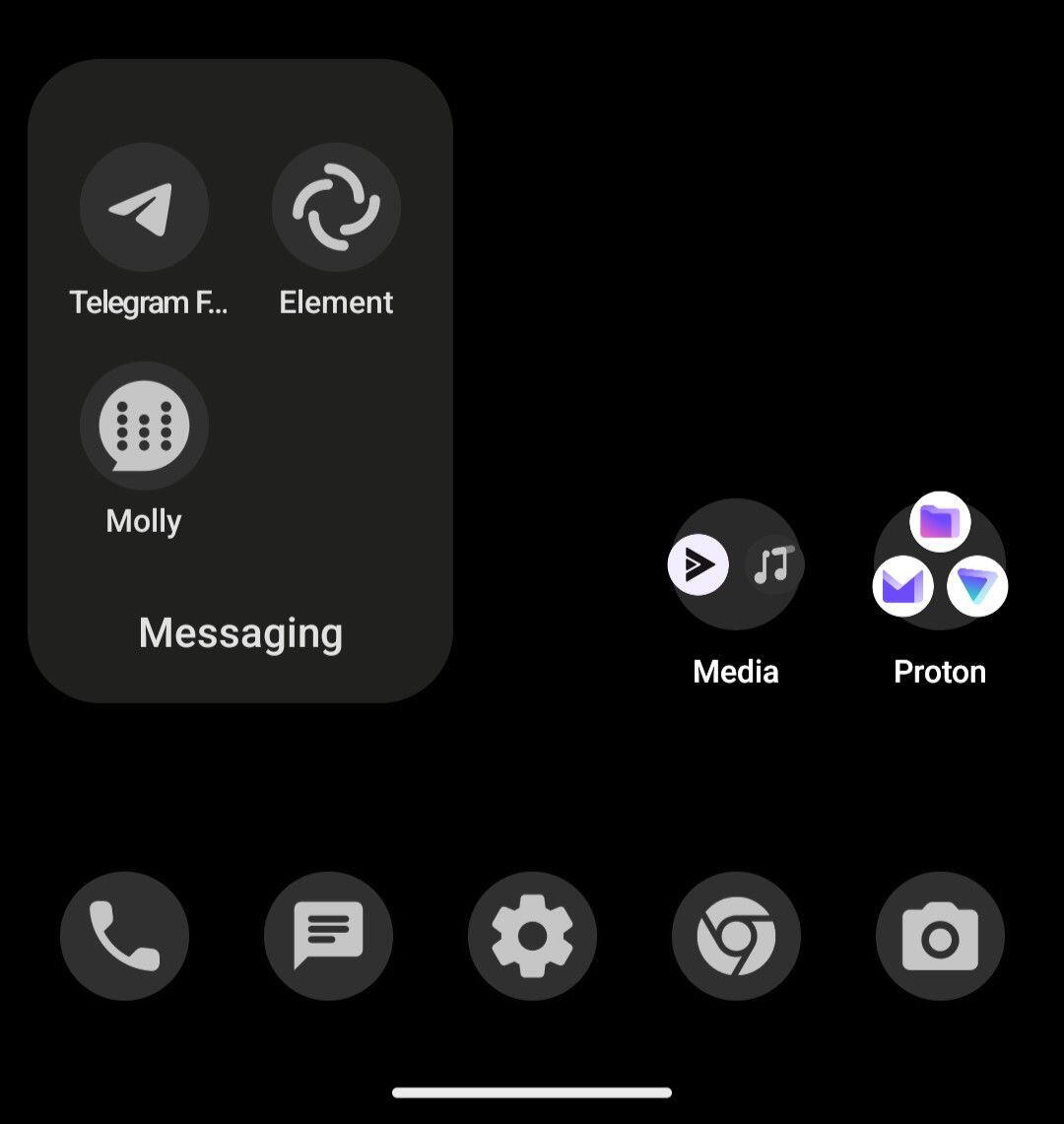
There are some limits since app developers need to support these themed icons in their apps sadly.
If you want total grayscale on everything, there is a Grayscale mode in color correction accessibility settings which you can also shortcut to turn on and off.
Note taking screenshots, pictures etc would still be in color, though...
All Tensor Pixels (Pixel 6 and later) are rumored for the upgrade, by the time this will happen it's possible only the Tensor Pixels will be fully supported by GrapheneOS as devices older will be end-of-life.

Vanadium hasn't been developed for other OSes in mind currently, it directly inherits the security enhancements from GrapheneOS like production MTE support and more rather than adding it's own inside Vanadium. MTE is currently exclusive to GrapheneOS since the stock Pixel OS only provides it as a development option with major caveats and Vanadium is the only browser incorporating it in production.
Even for platforms without MTE like other devices not Pixel 8 and later, having Vanadium elsewhere would be downgrade in comparison to Vanadium on GrapheneOS. Vanadium needs more before it could be positively received elsewhere.
None at the moment. It is a generic image used in emulator builds since December and is made to prepare for when Tensor Pixels move to Kernel 6.1 proper.
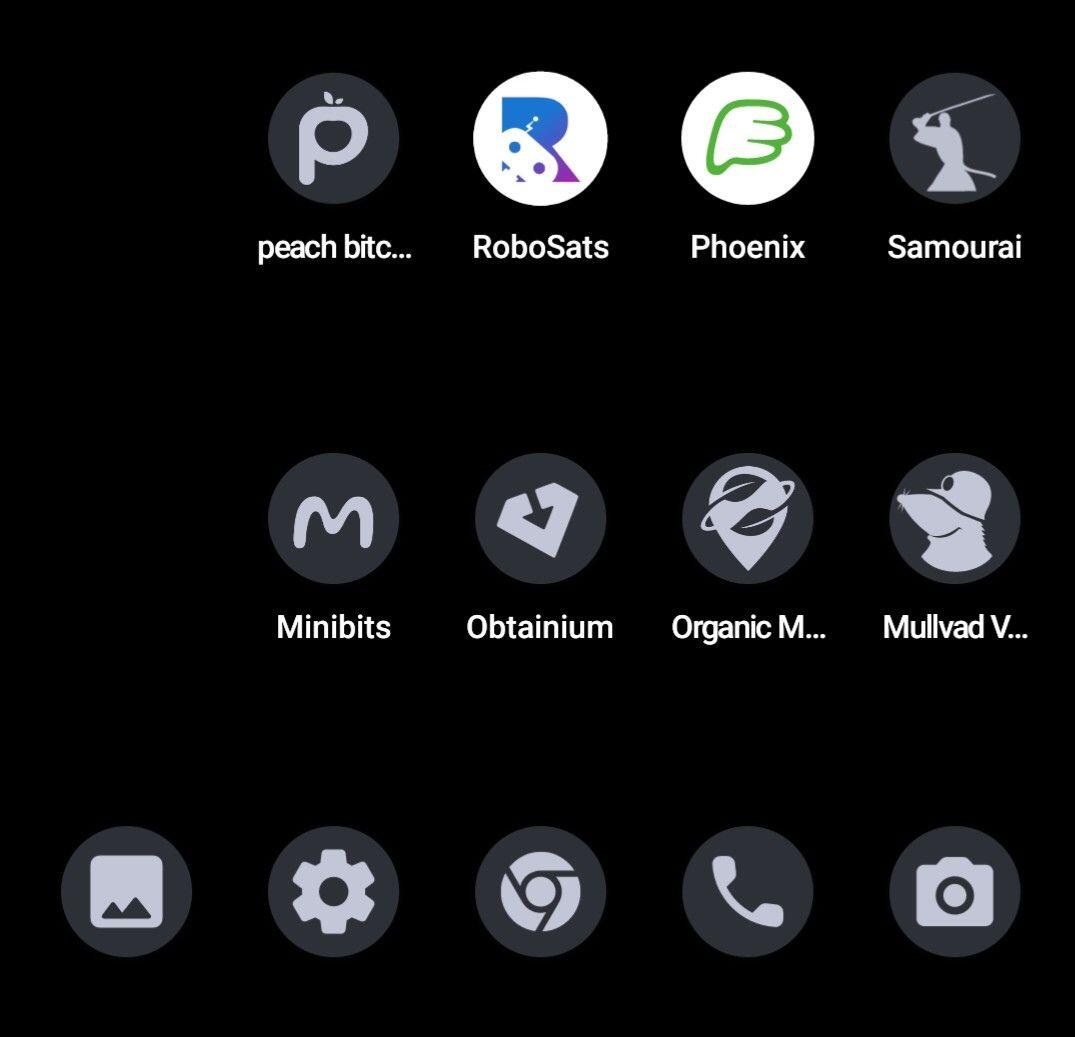
It's up to the app developers to add themed app icons support sadly... But all the system defaults work and hopefully users suggesting developers to will help too.

First, have you met old people? Second, you're telling me to go with stock Android, but not trust #Mullvad or #GrapheneOS? The idea is to reduce complexity and increase privacy/security for an elderly person who has zero understanding of any of this tech.
nostr:npub1c9d95evcdeatgy6dacats5j5mfw96jcyu79579kg9qm3jtf42xzs07sqfm what are the implications of not getting updates to default apps, etc.? This seems like terrible advice, but it's clearly being passed around. Also, doesn't DivestOS get some patches from GrapheneOS?
While I'm on a roll, I think DivestOS also forces updates of their apps through F-Droid, which is one reason I didn't mess with it. nostr:npub1f6ugxyxkknket3kkdgu4k0fu74vmshawermkj8d06sz6jts9t4kslazcka curious about your thoughts as well.
1. Turning off Apps app / autoupdates for apps like Vanadium means you won't get updates for apps when available, only through OS upgrades. When it comes to setups involving Sandboxed Google Play and GmsCompatConfig this can cause app compatibility issues. Had history of people reporting apps breaking, just to find out it was because they didn't update them or the OS for months. We don't recommend disabling them at all unless you know what you're doing.
2. DivestOS uses a partial share of GrapheneOS hardening. GrapheneOS defends the DivestOS project as well. The developer had also helped produce patches for some of our apps in the past. DivestOS' developer recommends GrapheneOS above his own OS. Some builds have less hardening due to device specifications.
See a more full comparison at: https://eylenburg.github.io/android_comparison.htm
3. I can't suggest a VPN provider for you. That's up to you to pick one to trust.
4. DivestOS upgrades apps via F-Droid with their own hosted repository while we use our own via Apps app.
Since this update is just released, it is in Alpha release channel first. Will move to the others in a few hours.

Yes, OS updates in background and finishes on reboot. You can also update manually via the owner profile.
GM! 🔥 New #GrapheneOS 2024022300 Update! Adblocking for Vanadium, New Setup Wizard, new colour schemes and more!
Changes since the 2024020500 release:
- completely new GrapheneOS Setup Wizard implementation for the initial setup of the device and secondary user profiles
- Theme Picker: update color schemes including adding the monochromatic colorscheme option
- Sandboxed Google Play compatibility layer: always apply PhenotypeFlag overrides to avoid regressions for some users
- Sandboxed Google Play compatibility layer: catch SecurityException from setApplicationEnabledSetting() instead of relying on PhenotypeFlag override
- Sandboxed Google Play compatibility layer: add support for Android Auto 11.3 by extending the wireless Android Auto and phone call handling toggles to also allow BluetoothAdapter#getActiveDevices
- Sandboxed Google Play compatibility layer: add developer functionality for updating Android Auto via the Play Store for testing
- Storage Scopes: avoid legacy apps using legacy storage crashing when trying to access the wallpaper
- remove legacy AOSP Search app now that Vanadium provides the global search intent in addition to the more common web search intent also implemented by other browsers including Brave
- fix upstream bug breaking package manager support for uninstalling apps only installed in other profiles from the Owner user
- Settings: improve strings for network connection toggles
- kernel (5.10, 5.15, 6.1): temporarily ignore sysrq_always_enabled to avoid sysrq being enabled on devices passing it on the kernel line unconditionally
- kernel (5.10): update to latest GKI LTS branch revision
- kernel (5.15): update to latest GKI LTS branch revision
- kernel (6.1): update to latest GKI LTS branch revision including update to 6.1.75
- Pixel 4a (5G), Pixel 5: update to UP1A.231105.001.B2 vendor files
- Vanadium: update to version 122.0.6261.64.0
- GmsCompatConfig: update to version 96

Follow up:
You can hold press the Vanadium app icon, hold the Incognito tab button and drag that button to get a shortcut. 1x1 icon and everything.

The baseband nor any other radio does not have access to the RAM on the devices. They are isolated components via IOMMU and they're explicitly part of GrapheneOS' device's security and hardware requirements:
https://grapheneos.org/faq#future-devices
Cellular radios have always been isolated in GrapheneOS supported devices, even down to the first two devices we supported (Galaxy S4 and Nexus 5). It's a misconception cellular radios have privileged access to the OS or memory.
A long time ago Broadcom Wi-Fi radios worked the same way it did on laptops without having proper isolation but that was resolved on the Nexus 5X, and was never an issue on Pixels to begin with. Cellular was never more privileged than Wi-Fi, and in fact on several of the early devices Wi-Fi was not properly isolated via IOMMU (such as the Nexus 5, Nexus 9 and Nexus 6P), but cellular always had been.
Hopefully adding the changes to the site helps users. There is a lot more to Vanadium than people suggest and it's far from just a Chromium build without Google integrations. Some people use other browsers because they miss a certain feature not realizing Vanadium will have similar or there is a security degradation involved in that browse having that feature.