We love the Alby Chrome extension but we have a pain point which has now persisted for several months and we haven't yet figured out how to fix it.

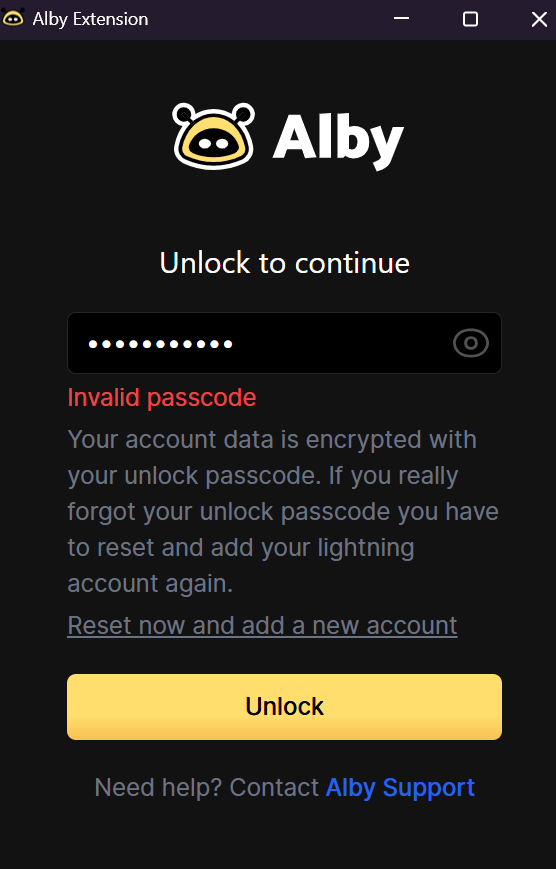
About once every 10 days or so, the Alby chrome extension refuses to accept our password. (see screenshot). The only way to fix it is to reset the extension, re-enter nostr private key, re-enter NWC secret.....

We only have one user set up on this chrome extension .. however we ARE running other browsers on the same computer (firefox, brave)... is it possible that the Alby chrome extension is somehow sharing storage on the machine with the other browsers, and this is the problem? That seems really unlikely because I would guess that all storage for chrome extensions is "sandboxed"?

Any bright ideas on how we could troubleshoot this?

#asknostr nostr:npub1wl3cs46hek62jm4j3x3k5etut3dkghlqfq6satsxa8q5s3tngcps22kjnr
nostr:npub1zk6u7mxlflguqteghn8q7xtu47hyerruv6379c36l8lxzzr4x90q0gl6ef nostr:npub1getal6ykt05fsz5nqu4uld09nfj3y3qxmv8crys4aeut53unfvlqr80nfm

Reply to this note

Please Login to reply.

Discussion

Any chance you have sync enabled in Chrome and use multiple devices or browser profiles also with sync enabled for the same account?

Yes! I'm using Chrome sync... maybe this is the problem..

Any chance that you did you pick different unlock passwords for the different instances of Chrome? All of the data is encrypted with your unlock password, so if you choose different passwords & sync to other computers that could potentially explain this problem?

No. I always use the same password. However I definitely have chrome sync running. Also I use brave and Firefox on the same computer, also with the ALBY extension.

Different browsers shouldn't be a problem as they don't share anything, right?

Please report back if disabling the extension sync resolved your problem.

thanks, might take a couple weeks, the problem seems to come up once or twice per month

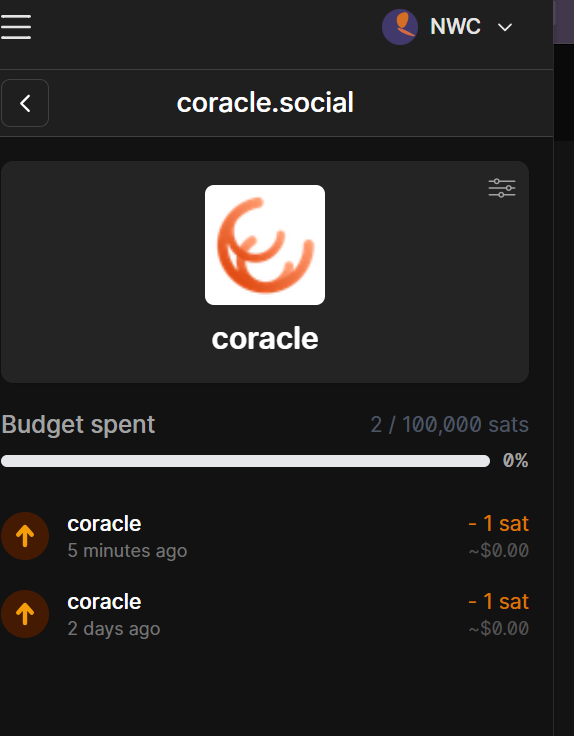
I'm now suddenly having "budget exceeded" errors from all zap attempts, despite the fact that I have large budgets set-- both on yakihonne and coracle

Maybe you have NWC budget set for this permission? Extension budgets are independent

Yes, u were right, my fault. Good call.

ok i just turned off extensions sync here: chrome://settings/syncSetup/advanced ... let's see if that fixes the problem... I wonder if other users who are using extension sync also see this issue?

hmm.

chrome manages the storage and nothing is shared there.

it’s the main build from the store? or a dev build?

and could you next time look at the extension debug console?

From the store.

I've also experienced this bug a few times, but not with the Chrome extension. I use the Firefox extension. It just randomly stops accepting the correct password, and the remedy is reinstalling the extension. It doesn't happen often, and I don't have a clue what's triggering it. Seems to be random.

Nice ok good to hear someone else has this issue. Yes my issue feels really random also.