#meshtastic
I got this the other day, trying to flash from my computer but it’s not finding the device. Any idea why this is the case? 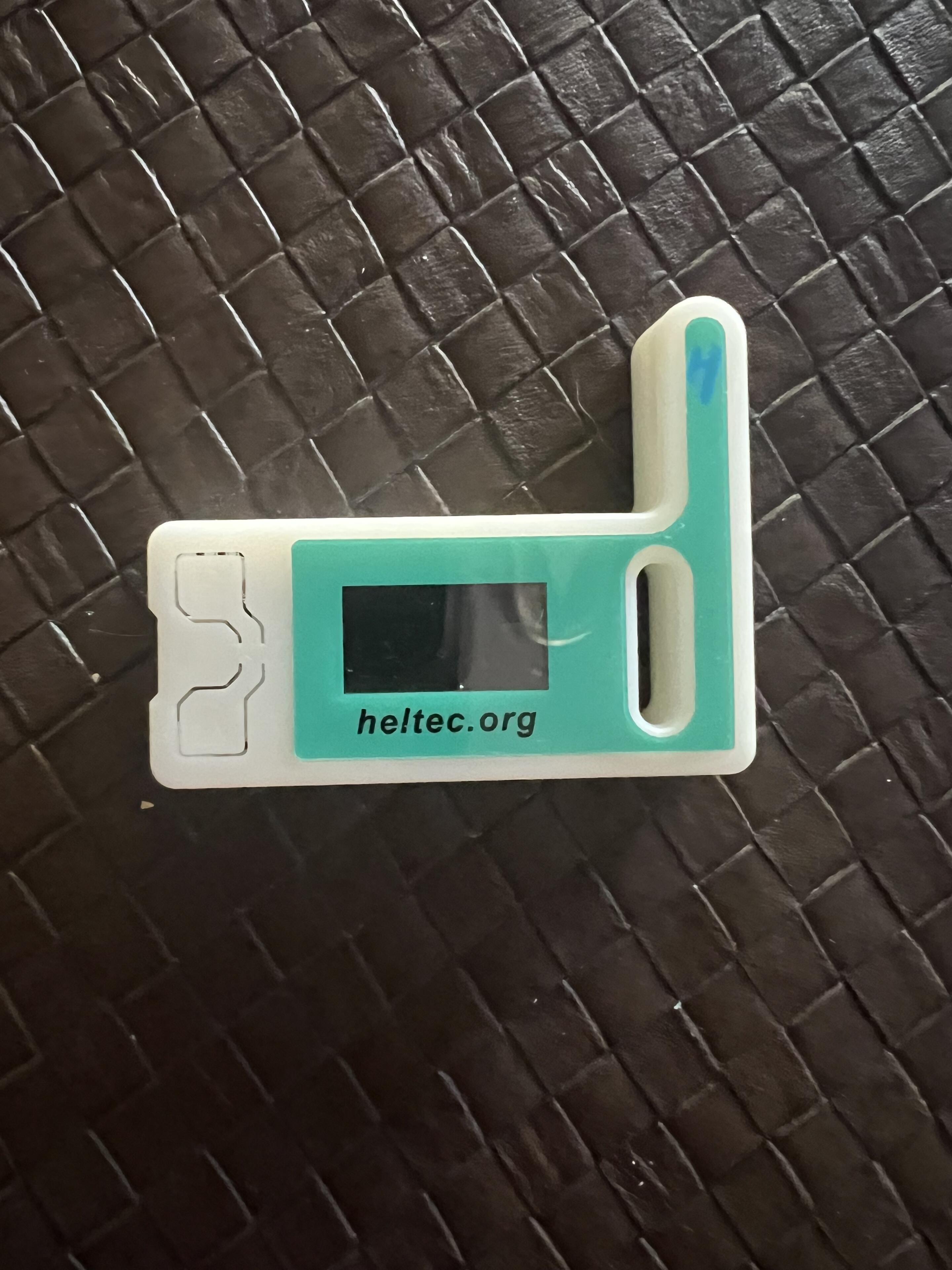
#meshtastic
I got this the other day, trying to flash from my computer but it’s not finding the device. Any idea why this is the case?
have to use a chrome based browser to use the web flasher
What OS are you running?
You may need to install an esp 32 driver.
Go to meshtastic.org and click "get started" and it should walk you through all the downloads.
That took the most time for me was getting the correct driver on my computer for it to recognize it and still I think I sorta just stumbled on to it, I’ll see if I can find the YouTube video that I used
I think that was the one that I used that was most accurate… it was confusing because when you go to heltec’s site to get the drivers to get my windows 10 to recognize it, it was all in Chinese. I run brave also and it doesn’t matter if you use a chrome based browser if the computer can’t find the port
As you are connecting it to your computer, hold down the bottom button.
nostr:npub1mrechz2tgtmspqc9e6l30dyfy4j57g43srzcvxupzs0cpn8h9pyqwms0g5 is doing a hive talk right now on flashing
I'll leave the room running for about another hour if any stragglers want to jump in. Bring questions. I can continue on with channels or start over, doesn't matter to me. Anything goes.