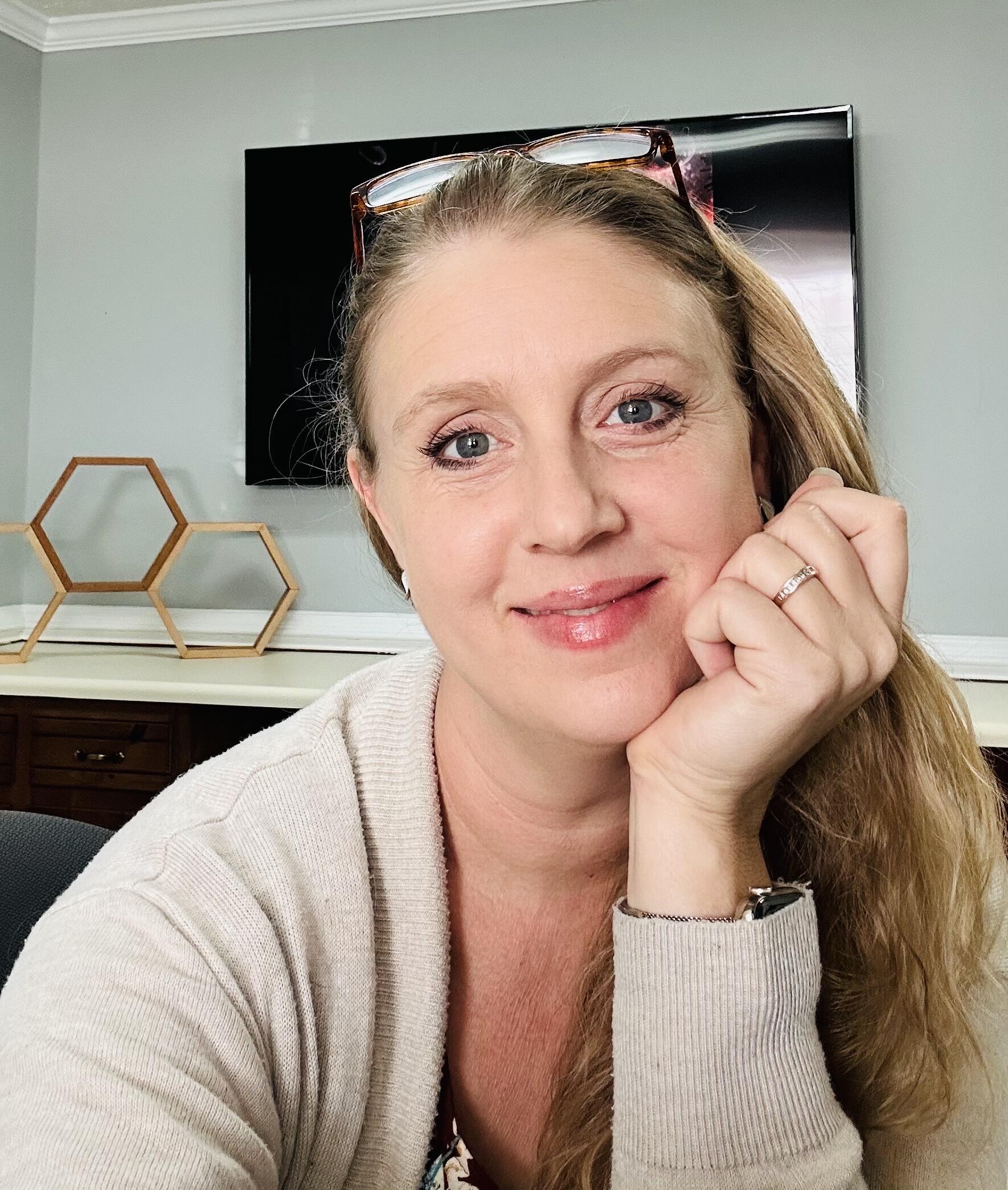

This is the only dietary lifestyle that fully keeps my eczema in check. My liver cannot handle processed carbs and the preservatives in the packaged foods at all anymore. Carnivore + nutritional ketosis has saved my skin and hair and nails and BRAIN! I think better, feel better and my integumentary system is SO much happier! 💃

I managed to hit ketosis in a little over 48 hours. Now, I’ve gone from needing 8ish hours of sleep to only needing 6 to feel rested and ready to go - no sleepyslump, midday. I’ve lost 12lbs and my brain is working! 🤣 (after five children, that’s a FEAT!!)
Thanks for the encouragement! (Beginner NOSTR user - bear w me as I learn 🥰)

Testing the New iOS 18.1 Hearing Aid Functionality
With iOS 18.1, Apple is adding a new set of hearing health features to the AirPods Pro 2. The iOS 18.1 release candidate for developers and public beta testers includes the full hearing aid functionality, so we thought we'd give it a try to see just how it works.
Subscribe to the MacRumors YouTube channel for more videos.
To use the new hearing health features, you need to connect your AirPods Pro 2 to an iPhone running iOS 18.1, or an iPad with iPadOS 18.1. From there, if you tap into the AirPods Pro section, you'll see an option to take a hearing test, which should be your first stop.
Apple's hearing test mimics the hearing tests you might have had conducted at a doctor's office or by an audiologist, and it's meant to determine whether you have any hearing loss. If you do have hearing loss, the test determines which frequencies you're struggling with.
With the AirPods in your ears, you can tap "Get Started" to take the hearing test. The test takes approximately five minutes, starting first with the left ear and then moving on to the right ear. You'll hear a series of tones at different frequencies and sound levels, and the idea is to tap the iPhone's screen whenever you hear a sound. The tones that you hear test for four frequencies, including 500Hz, 1kHz, 2kHz, and 4kHz.
Apple puts your iPhone in Do Not Disturb mode for the test, and also uses your AirPods to make sure it's quiet enough for the test to be conducted. The test is designed for adults that are 18 years or older, and it shouldn't be done when you have allergies, a cold, an ear infection, or a sinus issue, which can affect the results. Apple also recommends waiting to take the test at least 24 hours after you've been exposed to loud noise like a concert or construction, as this can also impact the hearing test.
After going through the hearing test steps, you'll get your Hearing Test results, with separate decibel levels detected for each ear. If you get a 5 dBHL reading for each ear, for example, you have little to no hearing loss and will not need adjustments to your AirPods.
Apple says that results up to 25 dBHL indicate little to no hearing loss. 26 to 40 dBHL is a sign of mild hearing loss, while results of 41 to 60 dBHL suggest moderate hearing loss. 61 to 80 dBHL is severe hearing loss, and a result above 80 dBHL is considered profound hearing loss.
For context, a whisper is around 20 decibels, while a person breathing is somewhere around 10 decibels. Rainfall is 50 decibels, and a standard conversation is 60 decibels. With no hearing loss, you can hear a whisper, and with mild loss, you can still hear and repeat words spoken in a normal voice from three feet away. With moderate loss, you can hear and repeat words spoken in a raised voice from three feet away.
If your test shows mild to moderate hearing loss, you'll have the option to turn on the Hearing Aid feature of the AirPods Pro. With this enabled, the AirPods Pro can use the data from your test to boost the frequencies that you have trouble hearing, making it easier to hear voices and other sounds around you.
There's also a Media Assist feature that goes along with the Hearing Aid function, and it adjusts music, videos, and calls so you can hear them better. You can also turn on the Hearing Aid feature using an audiogram from an audiologist if you don't want to take the test on the iPhone.
Note that if your test showed no hearing loss, Apple will not recommend changes to your AirPods tuning, and there will not be an option to turn on the Hearing Aid feature.
To see even more information from your Hearing Test, you can go to the Hearing section of the Health app and tap into the test to see a graph of which frequencies you had the most trouble with.
Along with Hearing Assistance, the AirPods Pro 2 also offer Hearing Protection as part of Apple's Hearing Health feature set. This includes a Loud Sound Reduction option that is enabled automatically. Loud Sound Reduction listens for loud noises around you in Transparency and Adaptive Modes, and reduces the level of the noise to prevent hearing loss.
If you're at a concert, for example, Loud Sound Reduction will drop the noise to a healthier level so that it won't impact your hearing. The same goes for other loud sounds like nearby construction work.
Apple says that in Transparency Mode, you'll see 11-15 decibels of sound reduction in an environment where the noise level is at 100 decibels, while in Adaptive Mode, noise reduction will range from 25 to 29 decibels. With Active Noise Cancellation, noise reduction is 25 to 30 decibels.
The amount of noise reduction can vary based on the fit of the AirPods Pro 2 and the environment that you're in. The AirPods Pro 2 don't provide enough sound reduction for "extremely loud impulse sounds" like gunfire, jackhammers, or fireworks, nor do they work well enough for sustained noise levels louder than 110 decibels.
In the Health app under the Environmental Sound Reduction section, you can see the amount of sound reduction you've gotten from your AirPods Pro from hour to hour.
If you have the iOS 18.1 developer or public beta and AirPods Pro 2, you can try out the new hearing test and hearing aid feature right now. Otherwise, this functionality is set to become available to the public when iOS 18.1 launches next week.
Related Roundup: AirPods Pro
Buyer's Guide: AirPods Pro (Neutral)
Related Forum: AirPods
This article, "Testing the New iOS 18.1 Hearing Aid Functionality" first appeared on MacRumors.com
Discuss this article in our forums
https://www.macrumors.com/2024/10/21/ios-18-1-hearing-aid-feature/
This is incredible. I’ve used hearing devices for 10 years. My first pair from reputable audiologist was over $6k. That set DID include tinnitus reduction programming (so cool!)
My second set (needed simply because the programming was outdated) was the functional and cost-saving option from CostCo. They work GREAT! but no tinnitus reduction (this can only come from audiologists’ diagnosis and “prescription”) and cost $1500.
Now - I’m seriously considering the AirPod pros for this very reason. Even if only used as back up for my current hearing aids! Thanks for the review and thorough explanation!!


Jealous!! Looks great!!


I’m obsessed w carnivore and enjoy a frothy bulletproof coffee every morning! 🥰
Checking out your channel + podcasts for the first time!
NEW WAY TO #supplement
VMG+ Whole-Food Nutrient Complex is an advanced, all-in-one daily #nutritional powdered drink designed to optimize foundational #wellness and tastes great.
>>> It features over 90 high-quality ingredients, including whole-food vitamins and minerals, fruits, vegetables, #digestiveenzymes , #probiotics , CPTG Certified Pure Tested Grade® #essentialoils , and other beneficial nutrients.
😊 This clean, #vegan, and #glutenfree formula delivers essential macro- and micronutrients that the body relies upon to support daily #energy levels, #immune system function, #guthealth and #digestion , liver function, #hormonal function, and #brainfunction .*
VMG+ combines 3 products in 1, integrating benefits from Alpha CRS+®, Microplex VMz® (Vegan), and a greens superfood blend. It includes 5 proprietary blends to support foundational wellness:
• Nutrition Blend: Includes plant-derived #vitamins, minerals, and essential botanical cofactors.
• #superfood Blend: Promotes foundational health and vitality with phytonutrients, #antioxidants, vitamins, minerals, and other nutrients.*
• Cellular Support Blend: Supports cellular health and antioxidant defenses.*
• Biotransformation Blend: Provides biologically enhanced nutrients via biotransformation.*
• #bioavailability Boosting Blend: Enhances absorption and retention of micronutrients, according to preclinical research.*
Perfect for those seeking convenient and comprehensive nutrition, VMG+ is easy to incorporate into your daily routine with its delicious taste and easy-to-use sachet format. Strengthening your health’s foundation for lifelong vitality has never been simpler or more effective.*
Size: Net wt 9.95 oz / 282 g
~ 30 Sachets
Item: 60228990
Reactions: https://youtu.be/6wojFbMO2Gc