

Relevance will find its way eventually.
Thank you !
https://youtu.be/52Pw_G7gTiQ?si=QISaV8mAOOiJPIsR
nostr:note1u739jcx4evzq3h529z9wsq5u9hl655jk7f2n8z8gp58gh4a0fsaq57dypa


I’m on 1.9.3 and my feed hasn’t updated since yesterday. Haven’t experienced any slowness prior to feed stalling. Using Damus to respond to you.
Never forget
nostr:note1d2prmt7glw8afuag3e5snslpgx7c0epz2pvnvyd9934hpgcdekfsasmy4d



We are waiting for publication by nostr:npub1yul83qxn35u607er3m7039t6rddj06qezfagfqlfw4qk5z5slrfqu8ncdu ☺️
Great, thanks !

Optout rate, still to low
nostr:npub12vkcxr0luzwp8e673v29eqjhrr7p9vqq8asav85swaepclllj09sylpugg
nostr:note16eaqmmujl3qcn2ezpacugsfgecya8j3gshn6je2vufktety3fh0qgfnnvs
Touch sand and stack sats.
Joining #footstr

Why is the ‘like’ button still around? @primal #fiatlegacy
Is there a video recording available somewhere?
#bh2024 nostr:npub13ajk3hhvqys2ev4y68jwxywgs8fsdsuk4y5gkzs874jdyrccvf5qak2yd9


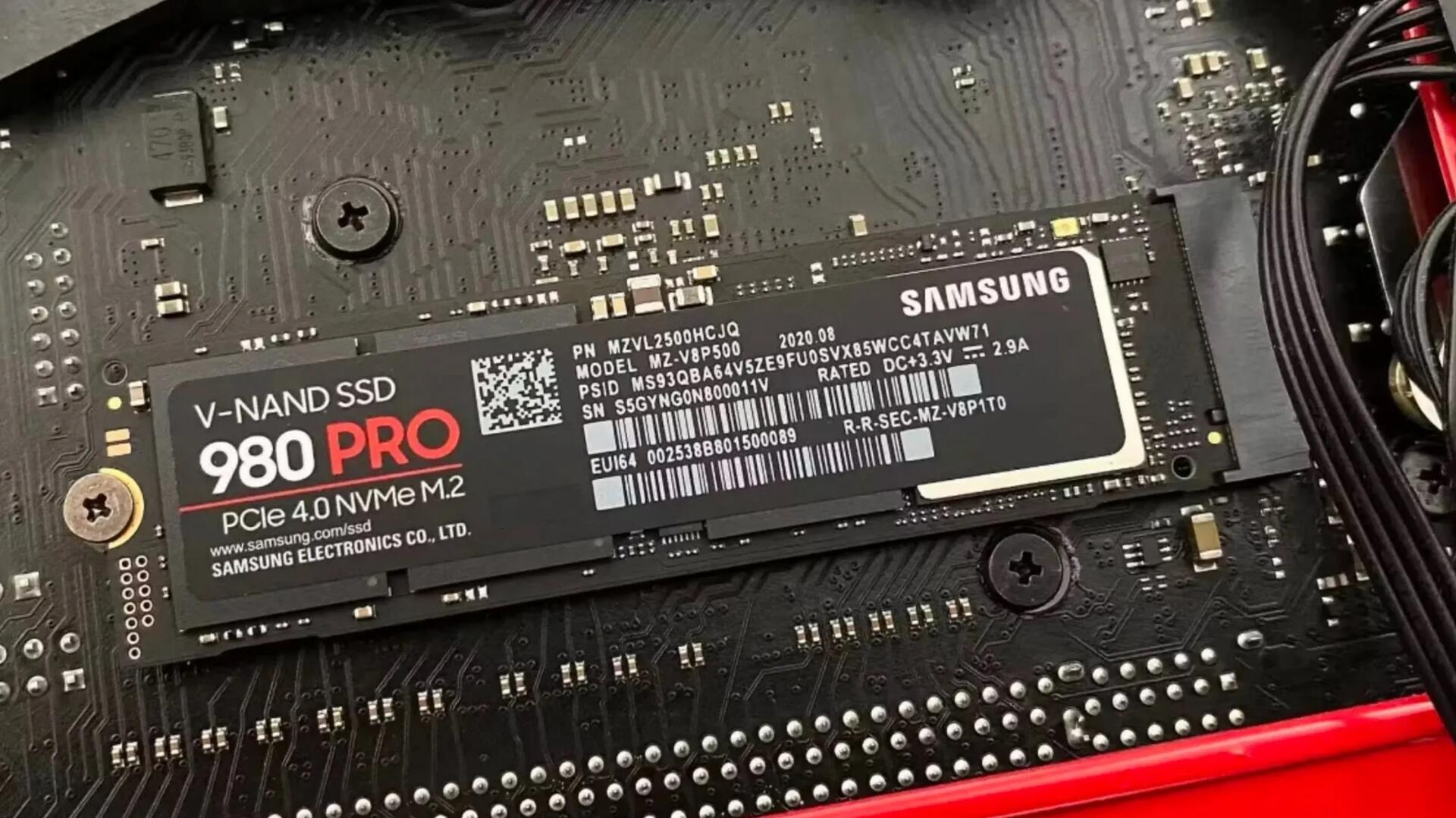
SSDs have a secret way to protect your data when they fail
Many SSDs will use SMART to keep track of how close they are to failure, and when they cross a threshold that indicates failure is imminent, they will lock down and enter a read-only state. This means that you can't write anything to them, but it's also a clear sign to the user to get everything off of the drive while it still works. You can tell if your SSD has entered that state if you can't unlock it to write to it.
This will be reassuring to many who think if an SSD fails, it is basically not usable and the data is gone. So, if you've used an SDD for quite a while (a good many years) and it suddenly no longer boots, check on another computer (it's SMART stats should show if it failed). You should be able to clone it to a new SDD drive and carry on working with your data intact.
See https://www.xda-developers.com/ssds-protect-data-when-fail
#technology #SSD
Thank you, now happy I saved my SSD after replacing it, there might be some stuff there I need to rescue in the future 👌🏻

Sure does #buenostres

