I wonder how much crossover there is between bitcoiners and the guys on 80m talking about their colonoscopy results.

Zuck: Yeah so if you ever need info about anyone at Harvard
Zuck: Just ask.
Zuck: I have over 4,000 emails, pictures, addresses, SNS
[Redacted Friend's Name]: What? How'd you manage that one?
Zuck: People just submitted it.
Zuck: I don't know why.
Zuck: They "trust me"
Zuck: Dumb fucks
See, I just zapped my own dumb ass 210 sats. This is why I can't be trusted to do things alone.

Hey you can do such a setup and after you have BTCPay running, preferably via our docker setup you can use this guide 1:1 https://docs.btcpayserver.org/Deployment/ReverseProxyToTor/
If you run it on Umbrel, Raspiblitz, or other it is more complicated.
Thanks, that's a great guide. I think I can follow along. I'm still concerned that I'm a monkey pushing buttons in the right order with no idea about what they actually do.
I need someone to hold my hand and maybe hug me a little while I SSH into the VPS. How many sats for that? Somebody send me a quote! 😂
GM #Nostr and #coffeechain 👊
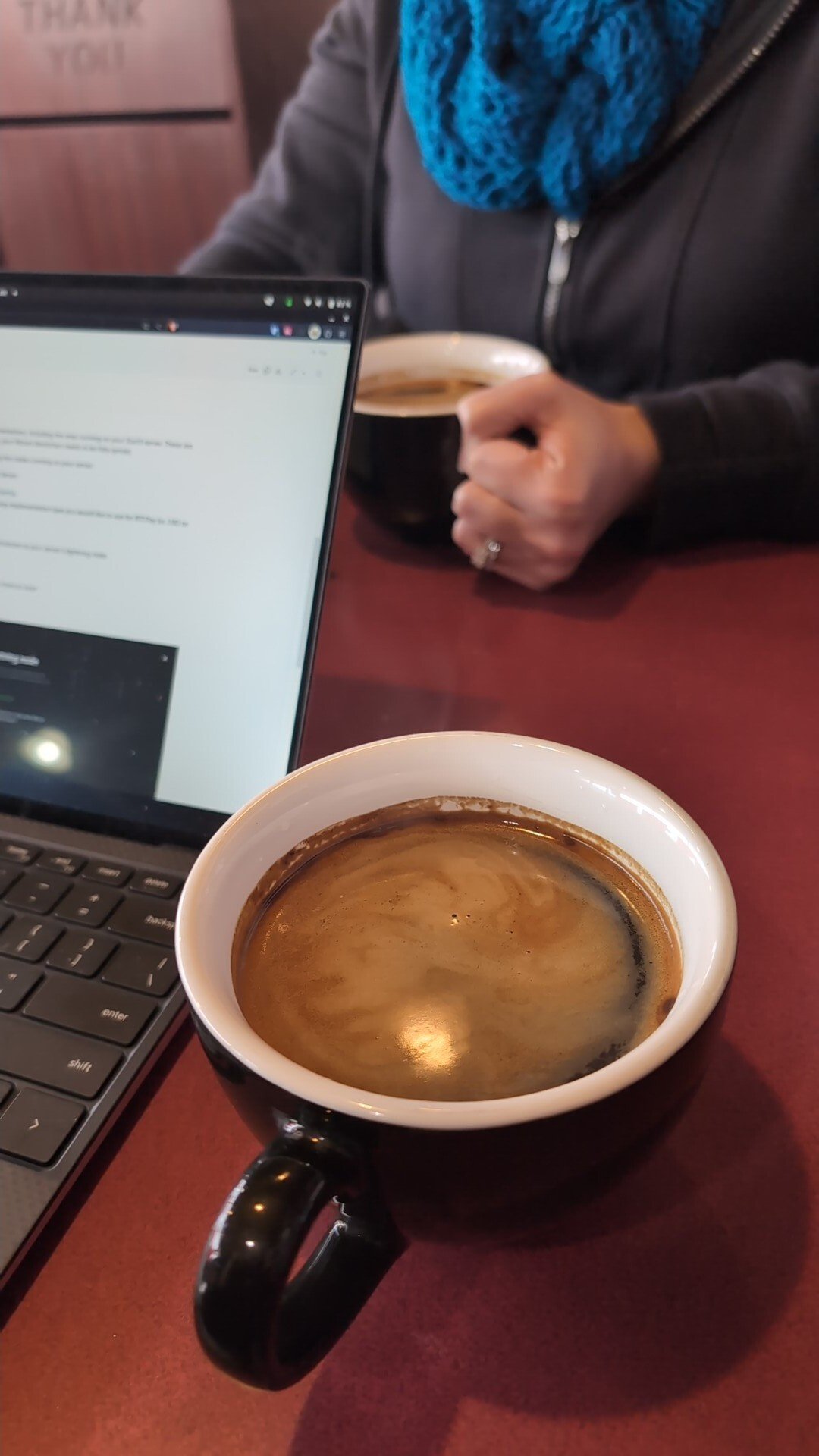
While I have my Americano here, I need to #asknostr a question. I want to use my domain and cheap VPS to point at my self-hosted nostr:npub155m2k8ml8sqn8w4dhh689vdv0t2twa8dgvkpnzfggxf4wfughjsq2cdcvg on nostr:npub126ntw5mnermmj0znhjhgdk8lh2af72sm8qfzq48umdlnhaj9kuns3le9ll and I need a tutorial or something suitable for a child's mind. I want to get a good bottom-up understanding of each component and its job. Anyone know of a guide or guides that can baby-step me through this?
Yep, I want to use it. I need a clearnet web link for people to visit that links to my self-hosted BTCPay Server via Tor. I'd like to be able to understand the setup process enough to share knowledge with total noobs and bring them into the fold.

Yeah, that really is the thing. It's hard as shit to figure out for anyone remotely normie-ish and we really, REALLY need people doing this kind of stuff. There's such a huge disconnect between the makers and the takers.
GM #Nostr and #coffeechain 👊
While I have my Americano here, I need to #asknostr a question. I want to use my domain and cheap VPS to point at my self-hosted nostr:npub155m2k8ml8sqn8w4dhh689vdv0t2twa8dgvkpnzfggxf4wfughjsq2cdcvg on nostr:npub126ntw5mnermmj0znhjhgdk8lh2af72sm8qfzq48umdlnhaj9kuns3le9ll and I need a tutorial or something suitable for a child's mind. I want to get a good bottom-up understanding of each component and its job. Anyone know of a guide or guides that can baby-step me through this?

nostr:npub1gcxzte5zlkncx26j68ez60fzkvtkm9e0vrwdcvsjakxf9mu9qewqlfnj5z i have an #amethyst suggestion.
currently it's not possible to long press and save links to the clipboard or share.
you have to tap to open.
use case would be greater user #security and #privacy
ex: currently a user must tap a youtube link, then go to youtube (exposing the user to google tracking) before being able to copy the link to a privacy respecting front-end like libretube.
the same can be said about twitter/nitter, removing tracking links etc and more...
#cybersecgirl #privacytechpro
I'd also like to see this. I usually long press and hit share, then open in NewPipe.
Yes, please. I'm all Tor with StartOS and Orbot, so it'd be nice.

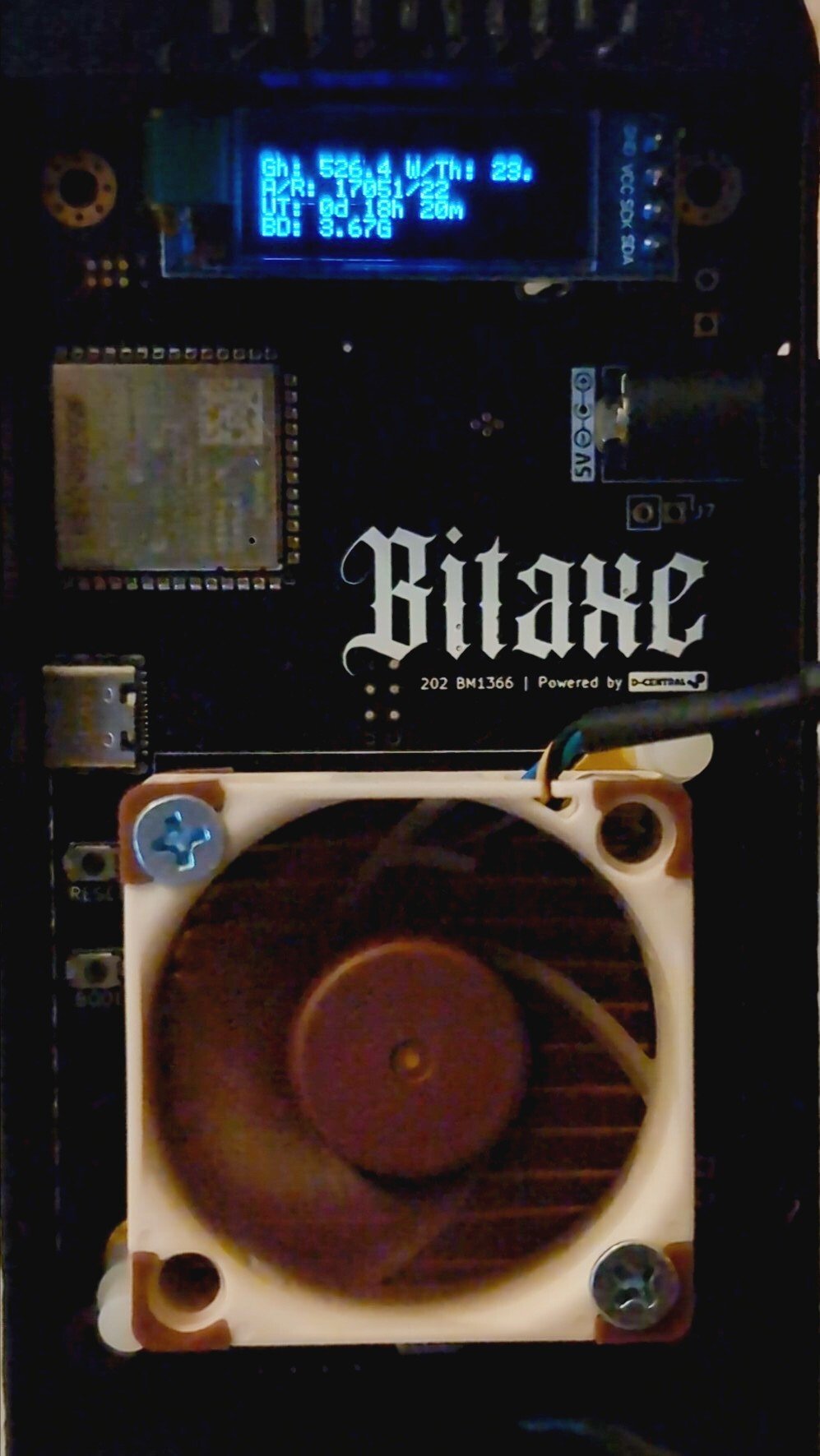
WE MINE THE COIN A LITTLE.
#privacytechpro app spotlight:
privacyblur allows you to obfuscate sensitive data in your pictures (blur or pixelate) before sharing online.
note: never use blur or pixelation for redacting text. draw a box over it instead instead. see 2nd link below
*this app repository is active but not actively being developed, but it still works great. i recommend getting it on f-droid basic.
"With PrivacyBlur at your side, you can share your pictures online without second thoughts.
No in-app purchases
No ads
No watermark
No need to unlock anything
Completely open source
Free forever because privacy shouldn't cost anything. Free because we care!"
#privacytechpro #cybersecgirl #foss #opensource #privacy
I've been using this for a while: https://guardianproject.info/apps/org.witness.sscphase1/
Odd that there aren't really any more up-to-date options out there. Guess it's not a feature the average SmartPhone2000PlusSE Titanium Diamond Edition™ user asks for.

 #m=image%2Fjpeg&dim=2016x1512&blurhash=%23hFiAD%25LV%40%25LM%7CWCoLRkay%7EqxtWAt7V%40azjtj%5Bayo%7EWqWBNGs%3AofWBt6fjM%7DRjWVRjofofWBkBj%40V%40WBofoJbIj%5BjsR*ayfPayofofjuWBj%5BWBayWVoeofj%5BjZWBj%5Boejt&x=bc439d6fe130cf713145c9eb02916c3f4d2a2683abb53a2b8485a2716a775014
 #m=image%2Fjpeg&dim=2016x1512&blurhash=%237DIn0%7DH%7EV%24jW%3D%25LjbxaoJ9u5T%253xakXR*W%3DWCof%23l%7EUM%7BtQxtIV-oIps%3ARP%251xGofWBNIxDNbjZo%7DE2t6s%3AV%40tRM%7BxuM%7C%24%25s%3ANGt6M%7BxtxaxZRkIU%25MRQxZtRIVkWV%40oy&x=6ca69fb3992cee87b232cf114922aa29a224d1be482a93f2429c2eb505a21ac1
Here I'm seeing 15 with a wind chill down to 10 tonight. nostr:npub1hgvtv4zn2l8l3ef34n87r4sf5s00xq3lhgr3mvwt7kn8gjxpjprqc89jnv is having a yarngasm thinking about walking our son to school in the morning. She's gonna be wearing about 6 sheeps' worth of assorted scarves, hats, etc.


Got my #OrangeClock parts in today so I can keep my finger on the pulse of the corn. Thanks to nostr:npub16cpe069rjz6pm5t42xcyhcn66f5rr04k64df3g03fk2wctlrlhsqycedcd for the good work.


That's a bad day at Union Pacific right there, my friends. 🚂💥
 #m=image%2Fjpeg&dim=1008x1458&blurhash=%5E26Hv2%3D%7EIBaL9FoI_4V%5DV%5BRjM%7CofMzs%3DxuxuWBf800-%3D-%3Dxut7WA4nt8t7WBaya%23ozR*RjM%7BM%7Ba%7DbXD%25IURjRjog%7EqR*M%7Bk9IUae4nNFt7RjWVR*&x=ffa44f90d485ec93f8ce3f4488b2c3f3fa072ec8929813850d11d15a2aff74b2
I got some bussin hammock camping content up in here, just sayin.
This rogue and rouge money has me confused about whether we're doing the rebellion or makeup or both.
I had to enable "Power User Mode" in settings to make it work. That was a while back, though. Is that still the case?