


2025/364 sunset in Asuncion, Paraguay
Gm #nostlings
What’s new ?



That’s what I thought, Ai what’s to argue that 😳
So when in the drivers seat of a LHD car the drivers side is the side I’m sitting in & when I get out and look into the engine bay it changes ? Trying to diagnose a fan fault - Ai blowing my tiny little mind
🙈
Now apply that in real life
When you are sitting in the car
• You sit on the LEFT
• That is the driver side
When you are standing in front of the car looking into the engine bay
• LEFT side (your left hand) = driver side
• RIGHT side (your right hand) = passenger side

Sounds like a great idea
We build the Lego Death Star one Christmas. The book was so huge you could hardly use it. Remember thinking the same, nothing beats a big Tupperware of random Lego’s for building flying-cowboy-car-castle-submarine


Gm

Unfortunately not for mining operations yet. We’re working on many options for large scale energy production and interfacing with off grid communication systems. It’s all coming but it’s more complex than I thought and I have my day job at the rock face 😎


Often the journey just needs that final puzzle piece 🧩 #nostr has been for many and will be for many more 💜


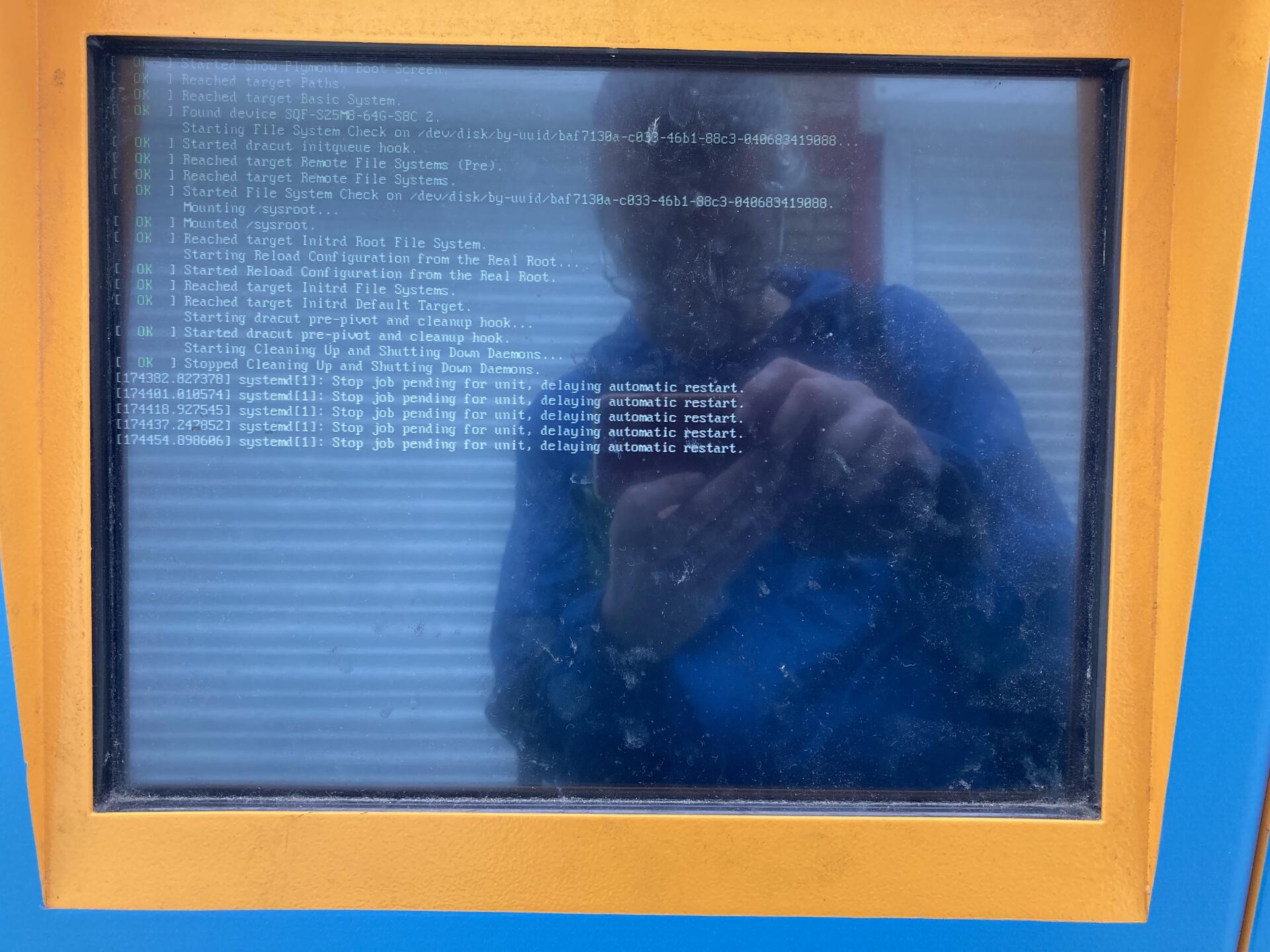
Or dehydrated fruits from waste heat.
We’re developing waste heat systems , partnering with local agriculture businesses and helping to bring energy to parts of the world that don’t have it. While I agree that some may fit your model. For sure it’s not all.

With my warmest regards to you all
“Have a merry Christmas” 🎄🫂💜


## **A Step-by-Step Guide for Non-Techies**
This guide will walk you through setting up your own instance of **Zap Stream**. By the end of this tutorial, you will have a sovereign broadcasting node that:
* You fully own and control.
* Automatically posts to Nostr when you go live (NIP-53).
* Charges you $0 in streaming fees.
* Works with OBS, Riverside, or any RTMP software.
## **Prerequisites**
1. **A Domain Name:** (e.g., mystation.com).
2. **A Cloudflare Account:** Free tier (manages your domain).
3. **A DigitalOcean Account:** You need a "Droplet" (Virtual Server). Cost: \~$14-21/month
*Note: you should ideally get more than 1 CPU – the cheapest $6 1-CPU option will likely struggle*
4. **Nostr Keys:** You need your **Hex Public Key** (starts with b... or 00..., NOT npub) and your **Private Key** (starts with nsec).
## **Phase 1: Rent Your Land (The Server)**
We need a powerful computer that runs 24/7 in the cloud.
1. Log in to **DigitalOcean**.
2. Click **Create -> Droplet**.
3. **Region:** Pick the one closest to you (e.g., New York).
4. **Image:** Choose **Ubuntu 24.04 (LTS)**.
5. **Size:** Select **Basic** -> **Premium Intel/AMD**. Choose the option with **2GB RAM** (4GB is better if you can afford it).
6. **Authentication:** Choose **Password** and create a very strong root password.
7. **Hostname:** Name it stream-node.
8. **Click "Create Droplet".**
9. **Copy the IP Address:** Once it launches, you’ll see a number like `164.77.xx.xx` **Save it in a text file somewhere – you'll need it when you set up the rtmp link in your streaming service.**
## **Phase 2: The Tunnel (Cloudflare)**
We use a Cloudflare Tunnel so you can have a secure website () without needing to be a security expert.
1. Log in to **Cloudflare** -> **Zero Trust Dashboard**.
2. Go to **Networks -> Tunnels -> Create a Tunnel**.
3. Name it stream-tunnel and click **Save**.
4. **Install Connector:** You will see a "Choose your environment" screen. Click **Debian**.
* Copy the command in the box (it starts with curl -L ...).
5. **Connect to Your Server:**
* Open the Terminal on your computer (or "Command Prompt" on Windows).
* Type: `ssh root\@YOUR\_IP\_ADDRESS` (Replace with the number from Phase 1).
* Enter your password.
* Paste the Cloudflare command and hit Enter.
6. **Route the Traffic:**
* Back in Cloudflare, click **Next**.
* **Subdomain:** Type stream (e.g., stream.mystation.com).
* **Service:** Select `HTTP` and enter `URL: core:8080`
* Click **Save**.
## **Phase 3: The Engine (Installation)**
Now we install the software that powers the station. You will run these commands inside your server terminal (SSH).
#### 1. Install Docker
Copy and paste these two lines:
```
apt update
apt install docker-compose -y
```
#### **2. Download the Station Code**
```
git clone https://github.com/v0l/zap-stream-core.git
cd zap-stream-core
```
#### 3. Configure Your Settings
We need to edit the configuration file.
```
cp compose-config_example.yaml compose-config.yaml
nano compose-config.yaml
```
**Make these EXACT changes using the arrow keys:**
* `admin pubkey`**:** Delete the default and paste your **Hex Public Key**.
* `nsec`**:** Delete the default and paste your **nsec** (Private Key).
* `database`**:** Find the line starting with database:. Go to the very end of that line and add ?max\_connections=10.
- *Why? The default setting is too low and will crash your server if you don't fix it.*
* `hostname`**:** Change to [stream.yourdomain.com](http://stream.yourdomain.com).
* `lnurl`**:** Add your Lightning Address to receive sats.
***Note:****\*\*\*\*\*\* this lnurl step gave me the most errors and took the longest to debug. Not all wallets support this (for example, your Primal lightning address will likely not work). If that's the case, use a wallet that supports Nostr Wallet Connect (NWC) and grab the connection string from there. Replace the "lnurl" line with:*
`nwc: "nostr+walletconnect://..."`
**Save & Exit:** Press `Ctrl+X`, then `Y`, then `Enter`.
#### 4. Final Tweak
We need to point the admin panel to the right place.
```
nano docker-compose.yaml
```
* Scroll down to the admin: section.
* Change the line image: ... to:
```
image: ghcr.io/v0l/zap.stream:latest
```
* Save & Exit (`Ctrl+X`, `Y`, `Enter`).
#### **5. Launch the Station**
```
docker compose --profile cloudflared up -d
```
##
## **Phase 4: The "Go Live" Setup**
#### **1. Log into Your Dashboard**
* Open your browser to [***https://admin.zap.stream***](https://admin.zap.stream).
* Click the **Gear Icon ⚙️**.
* **Node URL:** Enter your custom domain: .
* **Login:** Use your Nostr Extension (Alby/nos2x).
#### **2. Set Price to Zero**
* Click on **Ingest Endpoints** (top menu).
* Click the Pencil icon next to **"Good"**.
* Change **Cost per Minute** to 0. Save.
#### **3. Get Your Secret Key**
* Click **Users** (top menu).
* Find your user -> Click **Edit** (Pencil).
* Copy the **Stream Key** shown there.
## **Phase 5: Broadcasting (The "Direct Line" Secret)**
*Crucial Step:* Most software (Riverside, OBS) struggles with Cloudflare Tunnels for video uploading. We will bypass the tunnel and stream directly to the server's IP.
1. Open **OBS** or **Riverside**.
2. **Stream URL:** `rtmp://YOUR\_IP\_ADDRESS:1935/Good`
* *Important:* Use the numbers (e.g., `167.99.xx.xx`), NOT your domain name.
3. **Stream Key:** Paste the key you copied in Phase 4.
4. **Start Streaming.**
* *Note:* If Riverside shows a red "Something went wrong" banner, **ignore it**. It is a false alarm. Your stream is working.
**Verification:**
Check your Nostr feed (Primal/Amethyst/Nostria). You should see your stream live!
### **Troubleshooting**
* **The "500 Error" on Login:** This means you missed the max\_connections=10 step in Phase 3.
**Stream Won't Start:** If you added a firewall in DigitalOcean, you must add a rule to allow **Port 1935**. If you didn't touch the firewalls, you are fine.
***
# ADDENDUM: The "Extreme Sovereignty" Upgrade
**For those who want zero dependencies on Big Tech.**
The guide above is "Sovereignty Light" – it uses convenient cloud services to get you started. If you want **Sovereignty Max**, you need to make two changes:
1. **Hardware:** Move from DigitalOcean to a **Local Mini PC**.
2. **Network:** Replace Cloudflare Tunnel with a **"Dumb Pipe" Proxy**.
*Note: I haven't tried this setup yet, but plan to at some point. This is untested, so proceed at your own peril (especially the "dumb pipe" proxy step)*
## **Upgrade 1: Own the Metal (No DigitalOcean)**
Instead of renting a computer for $18/mo, run the station from your basement.
### **The Hardware**
Do **not** use a Raspberry Pi. It is too weak for video transcoding.
* **Recommended:** A used Office Mini PC (Dell Optiplex Micro, HP EliteDesk, or Intel NUC).
* **Specs:** Intel i5 or i7 (8th Gen or newer), 8GB RAM, 128GB SSD.
* **Cost:** \~$100–$150 on eBay (One-time cost).
### **The Setup**
1. **Install OS:** Install **Ubuntu Server 24.04 (LTS)** on the Mini PC.
2. **Install Docker:** Run `apt install docker-compose -y`.
3. **Copy the Code:** Clone the `zap-stream-core` repo just like in Phase 3 of the main guide.
4. **Run it:** The commands are identical. Docker doesn't care if it's in the cloud or in your closet.
## **Upgrade 2: Escape Cloudflare (The "Dumb Pipe" Method)**
This is the hardest part. You need to expose your home server to the internet without using Cloudflare's easy tunnel.
You have two options:
### **Option A: The "Naked" Approach (Port Forwarding)**
* **Cost:** Free.
* **Dependency:** Your Home ISP.
* **Risk: Exposes your home IP address to the world. (DDoS risk).**
**How to do it:**
1. Login to your Home Router.
2. Find **Port Forwarding**.
3. Forward Port `80` (HTTP) and `1935` (RTMP) to your Mini PC's local IP (e.g., `192.168.1.50`).
4. **The Catch:** Your home IP changes. You must set up **Dynamic DNS (DDNS)** so your domain (`stream.mystation.com`) automatically updates when your ISP changes your IP.
### **Option B: The "Sovereign Tunnel" (WireGuard VPS)**
* **Cost:** \~$3–5/mo (Any cheap VPS provider).
* **Sovereignty:** High. You treat the VPS as a "dumb pipe." If they ban you, you copy-paste your config to *any* other VPS provider in 5 minutes.
**The Concept:** You rent the cheapest, smallest VPS you can find (e.g., BuyVM, Hetzner, or generic providers). You install **WireGuard** (VPN) on it. Your Home Server connects to the VPS. The VPS simply "bounces" traffic down the wire to your house.
**The Stack:**
1. **VPS (The Gateway):** Runs **WireGuard** (to talk to home) and **Caddy** (to talk to the web).
2. **Home Server:** Runs **WireGuard** (to talk to the VPS) and **Zap Stream**.
**Why this is better:**
* **No Cloudflare:** YOU control the SSL certificates (via Caddy).
* **No Home IP Leak:** Viewers only see the VPS IP address.
* **Platform Agnostic:** The VPS is a commodity. You aren't locked into a proprietary ecosystem like Cloudflare Tunnels.
Maybe silly question but does the domain need to be hosted or can that be hosted on the droplet thingy ? Or ?
Gm #nostlings
laser eye surgery ?
Good Bad Ugly ?
#gmprotocol

Gm , sorry to hear that man, slipped discs and spine cramps are bad news
This is fuck you EGYPT , FUCK YOU UK , welcome to the future MF’s


Maybe try uploading the video to your image hosting flavour of choice first then posting the url into your note.



Nor me, but you loves it

5 weeks this time 🇪🇹

#damus is deffo for the win 🏆


That’s insane 🙄


If only Sparta kicks where real , muted *twat*